"Educational Animatic Explainer" 

"Educational Animatic Explainer"- After Effects 2024,  1920 x 1080

For this project the ultimate goal was to go through the full animation pipeline from creation to post production utilizing programs like the Adobe Suite: Audition, After effects including Angela Duik Software, Illustrator, Photoshop, and Premiere Pro. I began thinking about how much I loved Ted talk animations and decided to try and make my own educational animatic explainer on the topic of how ocean waves work. 
Pre-visualization
Here are some images of the first steps from the projects pipeline. To begin, I started off researching my topic of how ocean tides work by creating a mood boards, mind map, and a quick slide show of my ideas and initial  progress. 
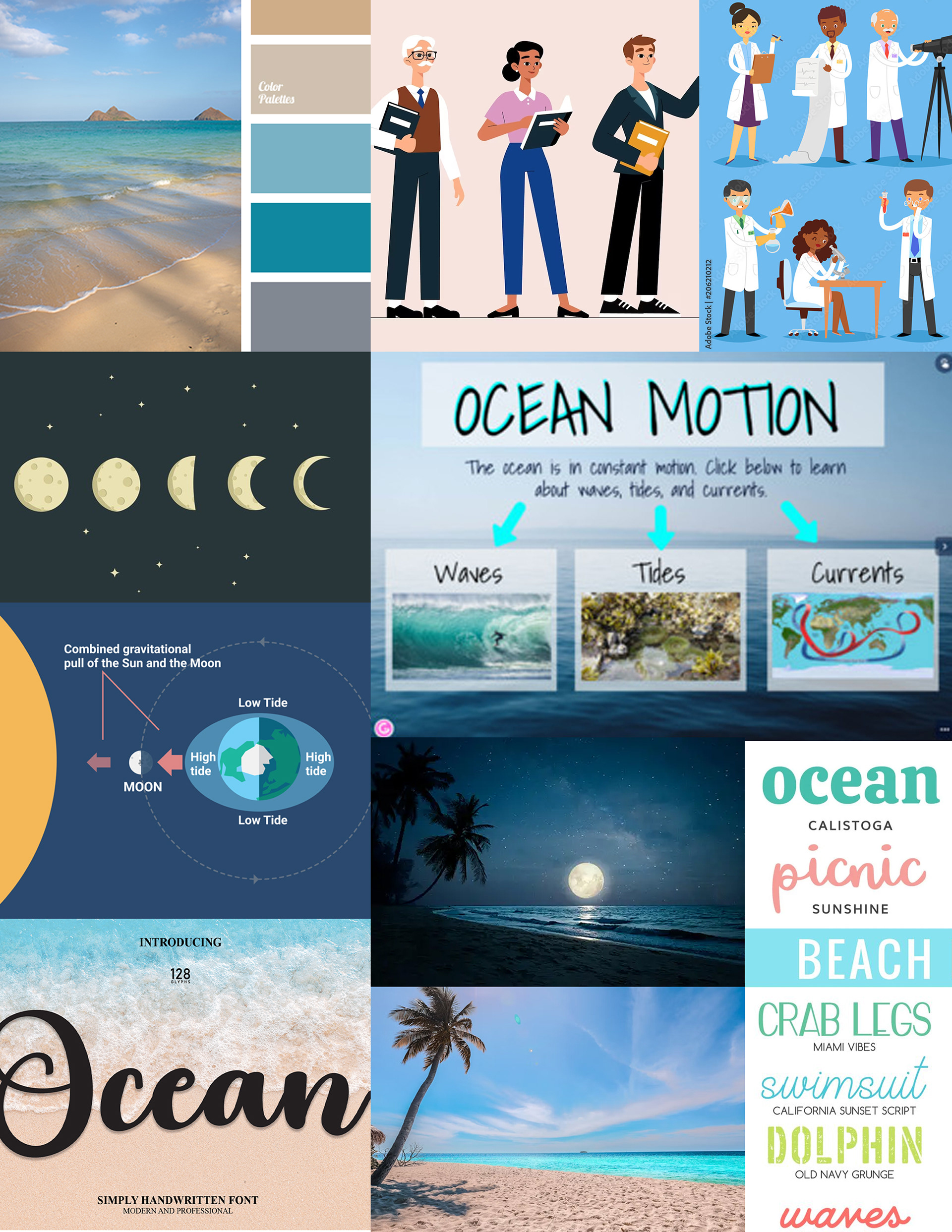
Mood board
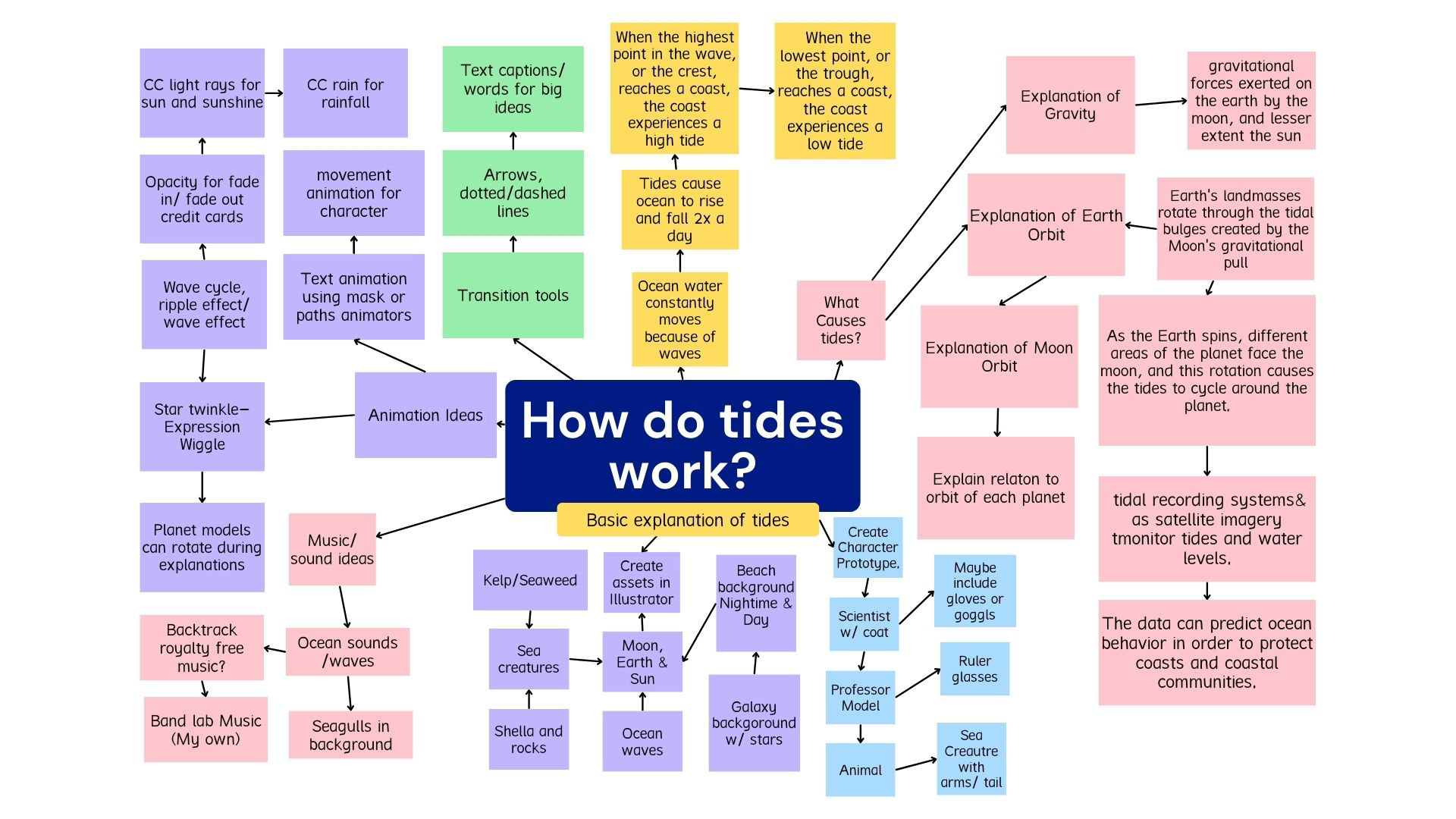
Mind Map
Character Prototype 
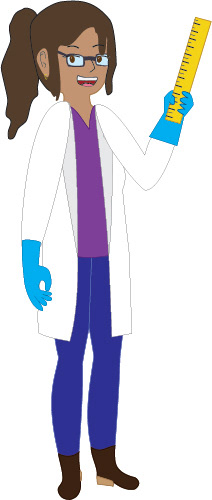
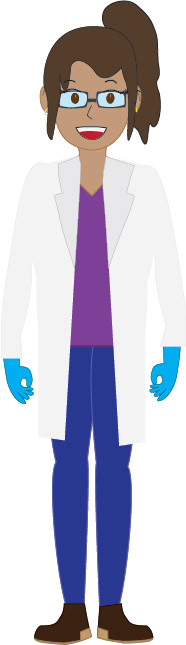
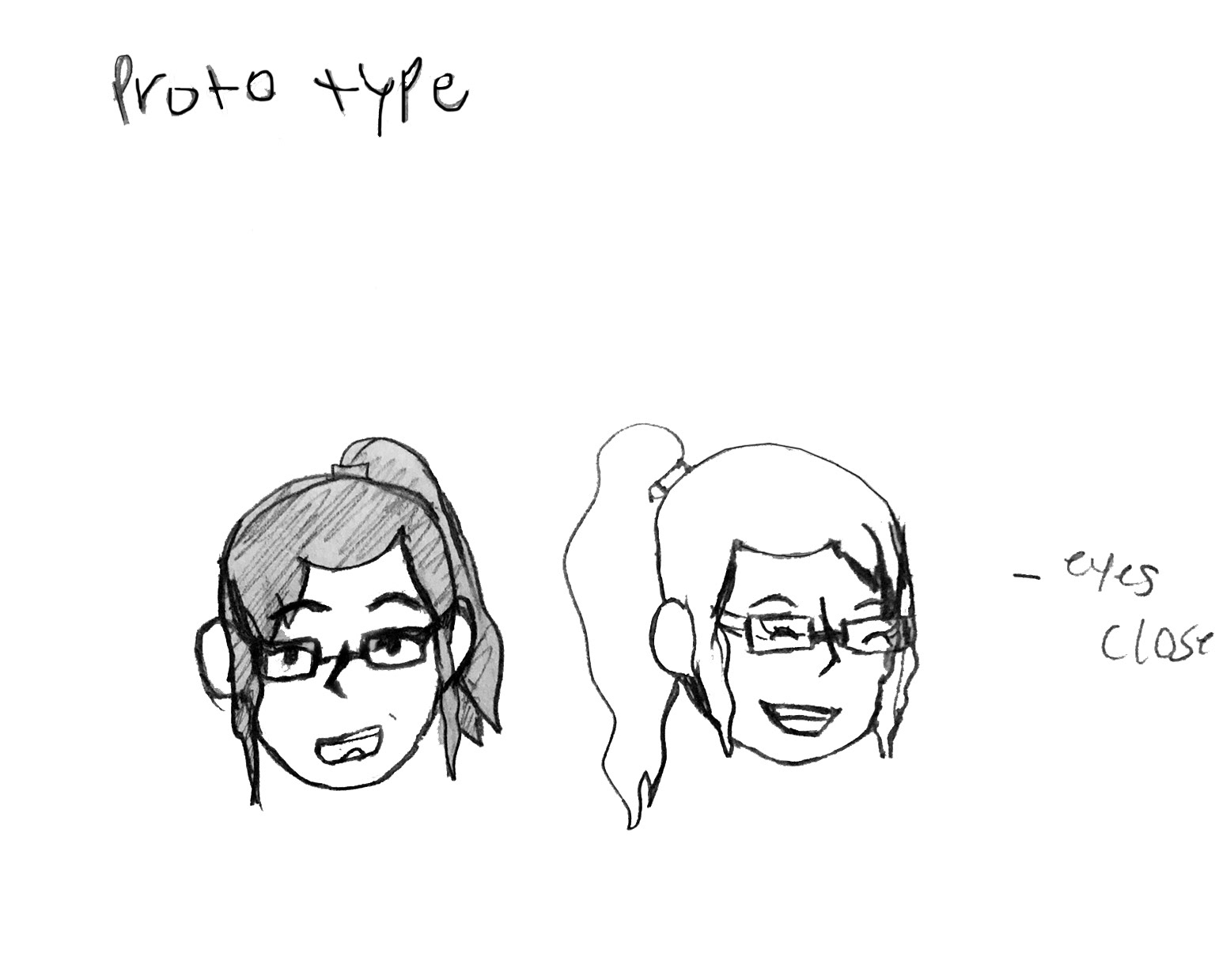
After creating initial sketches of a science themed character, I decided on a design I labeled as 'Scientist Lisa", featuring a scientist character with a coat, gloves, glasses, and a ruler to give her more personality and animatable objects. I then illustrated the character and prepped her for export and rigging in After effects. 
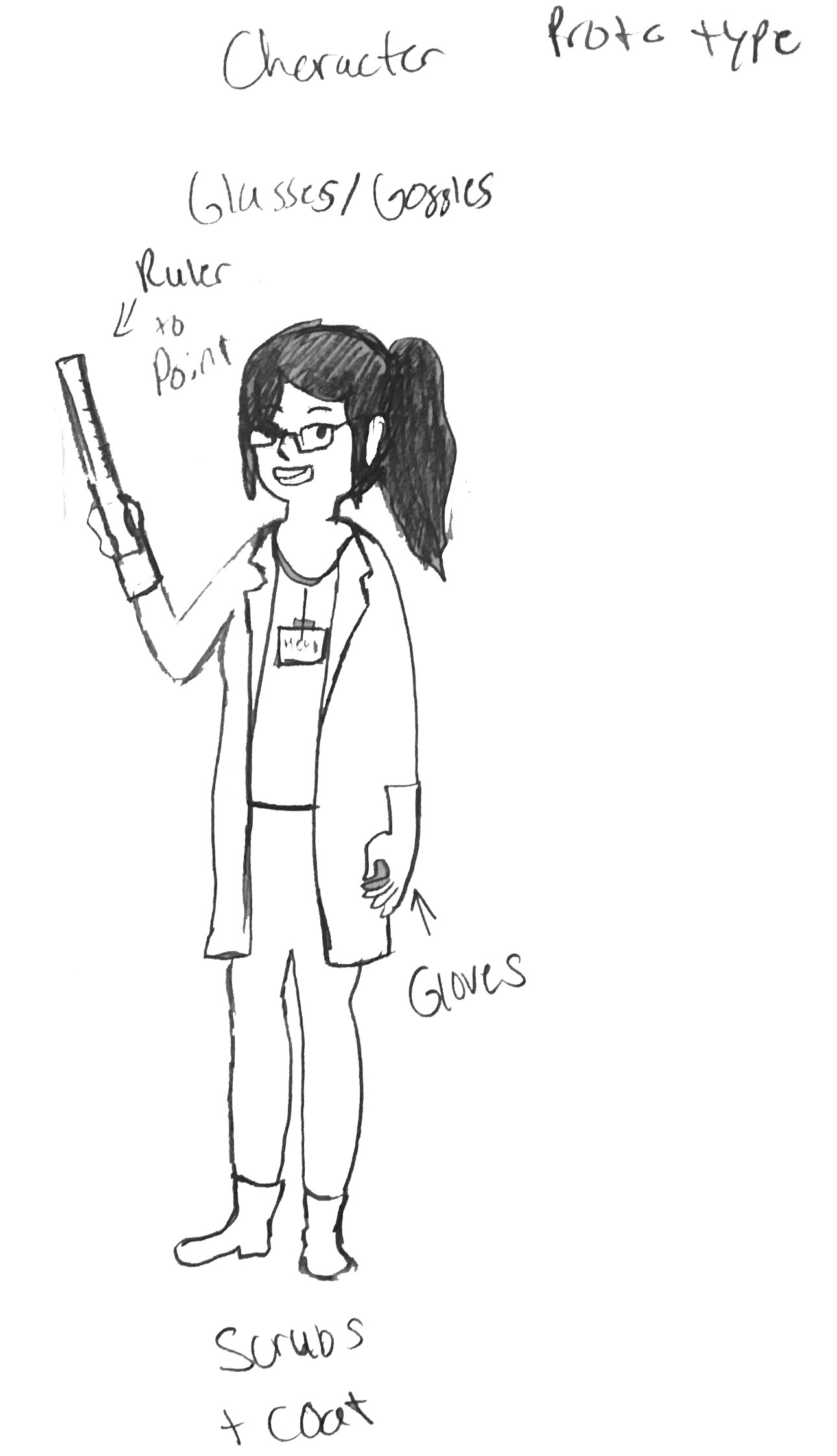
Side view 1
Side view 1
Head poses front view and tilting
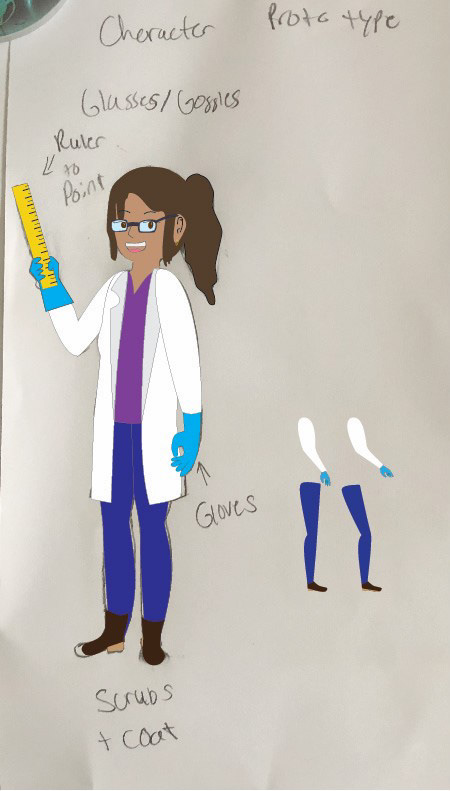
Character building
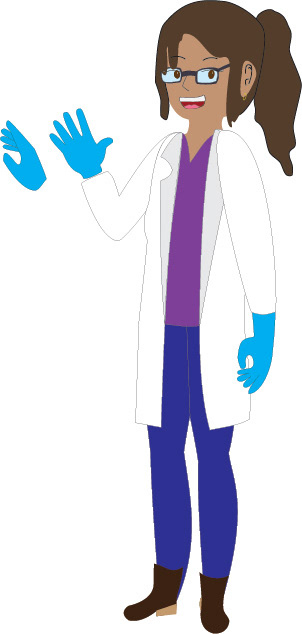
Character building
Side view 1
Side view 1
Side view 2
Side view 2
Front view
Front view
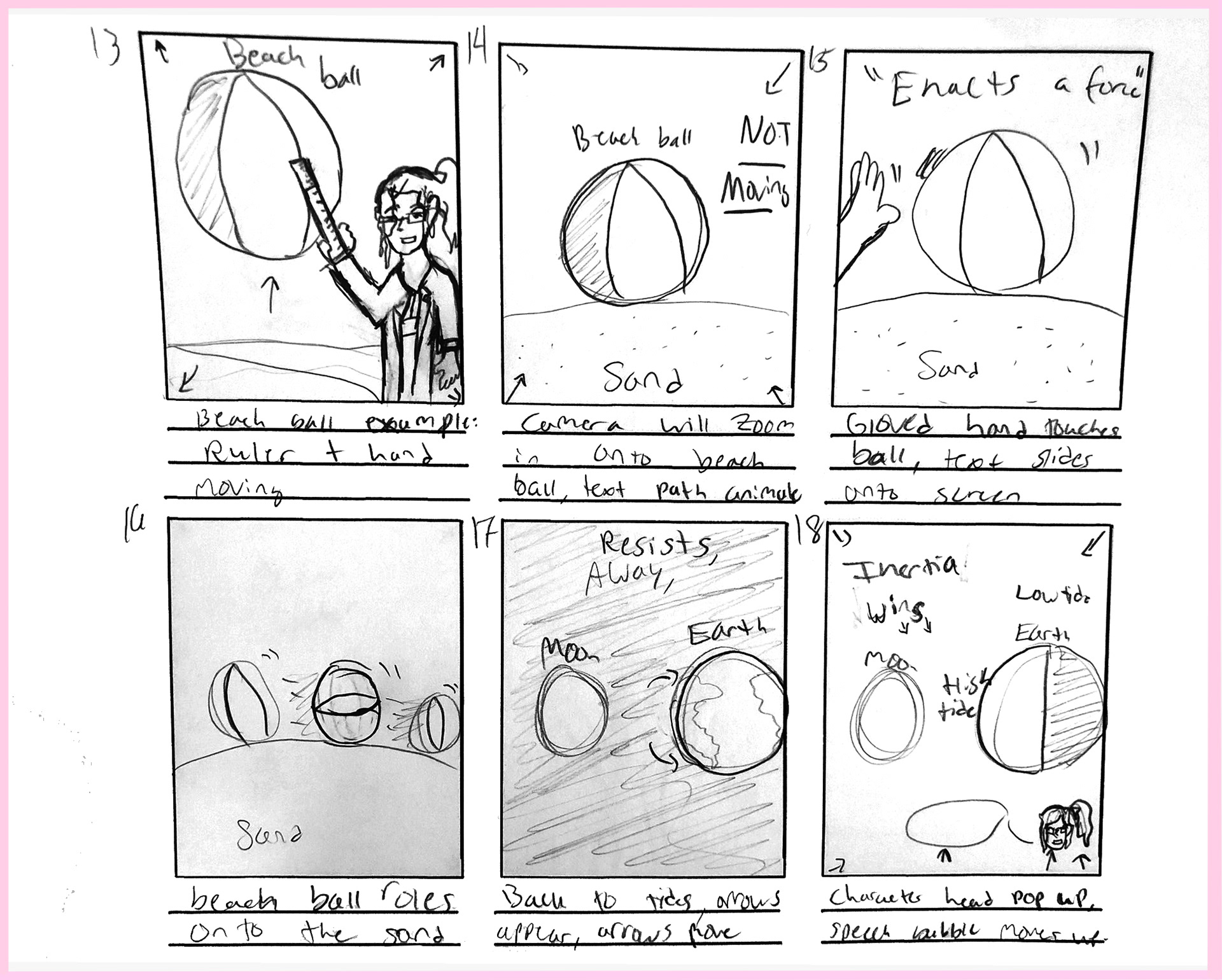
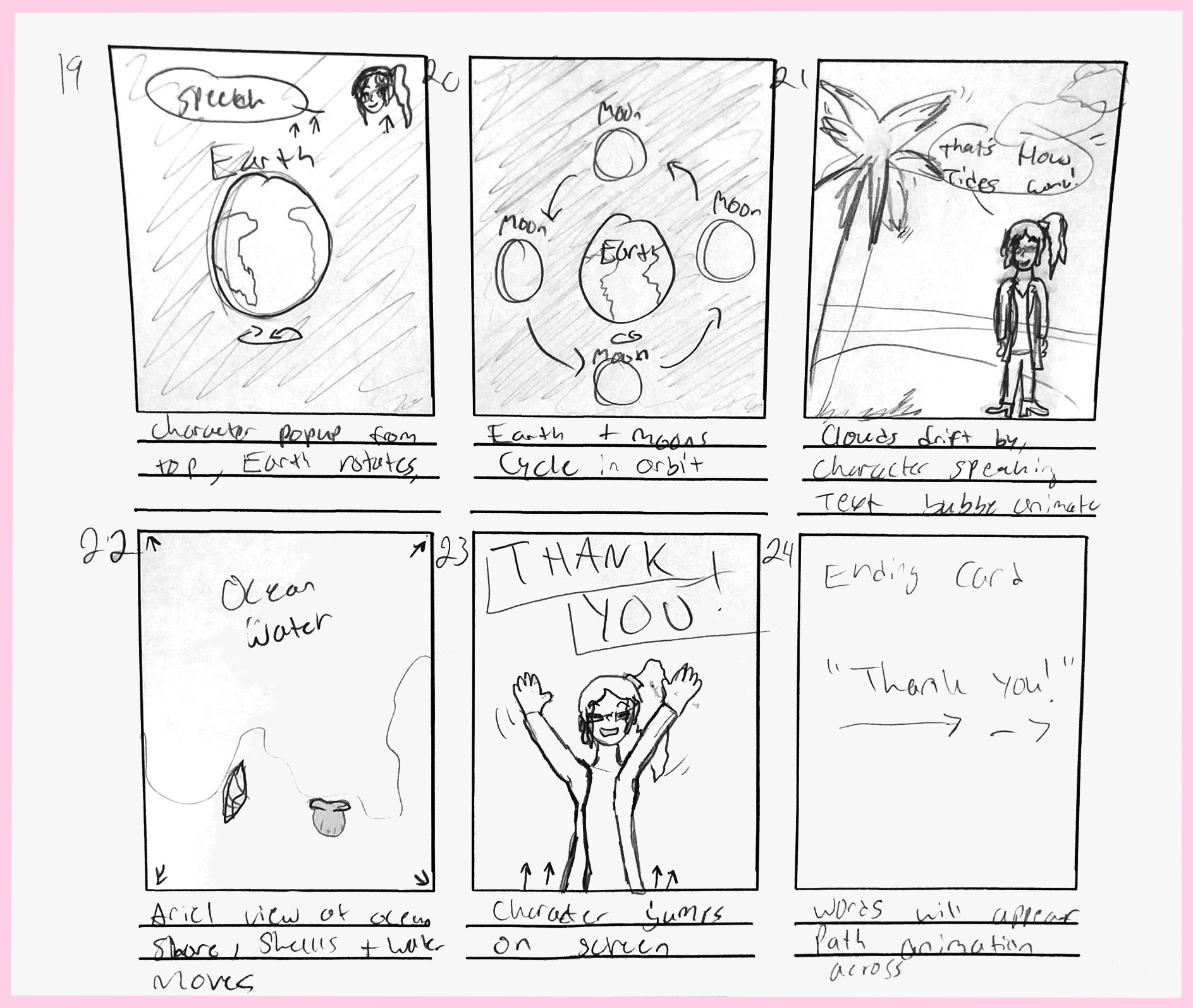
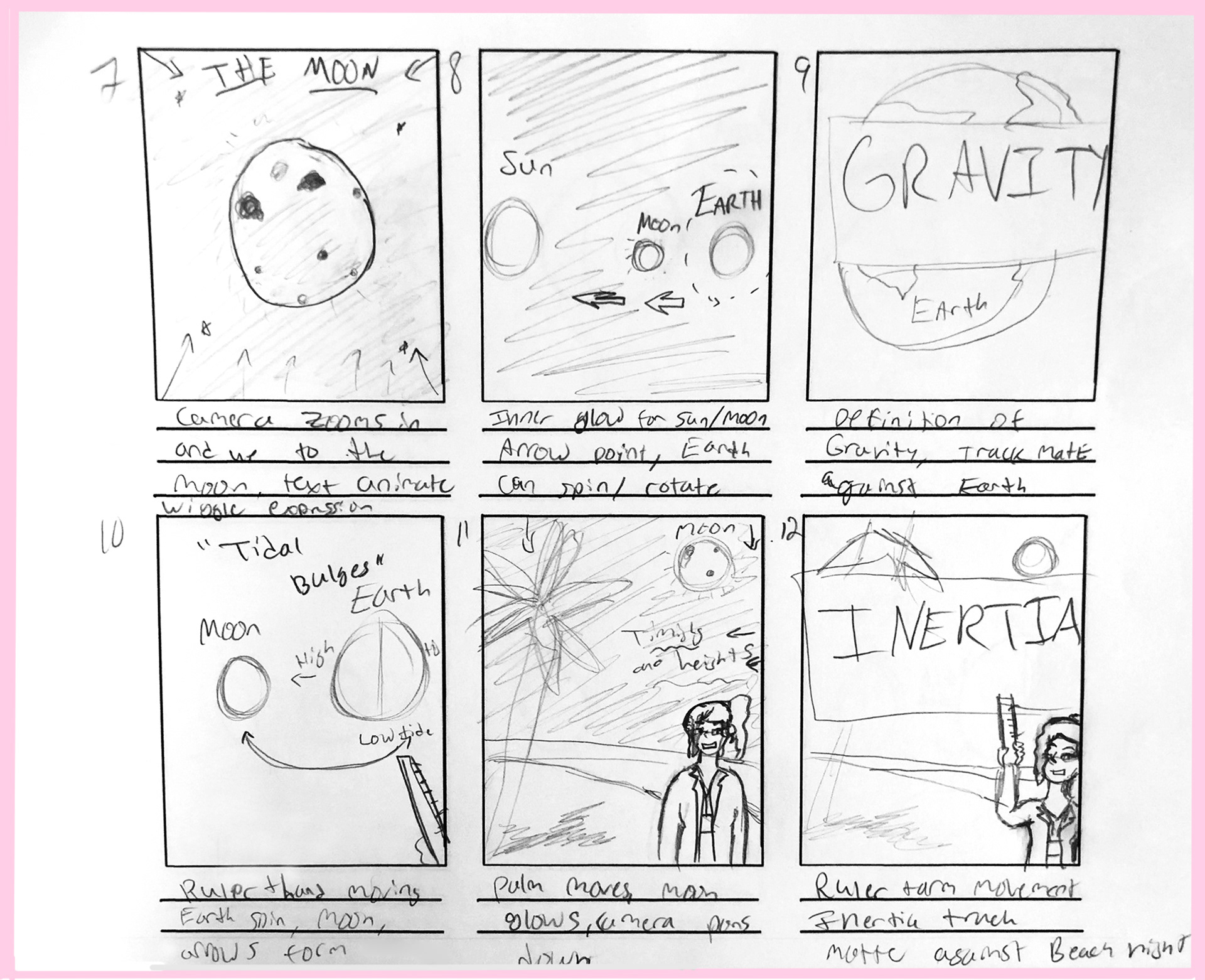
After figuring out the character and building some of the assets, I was able to produce a few storyboards to help arrange the animation and figure out how to space out the information evenly without overloading the audience or having the project become dull. 
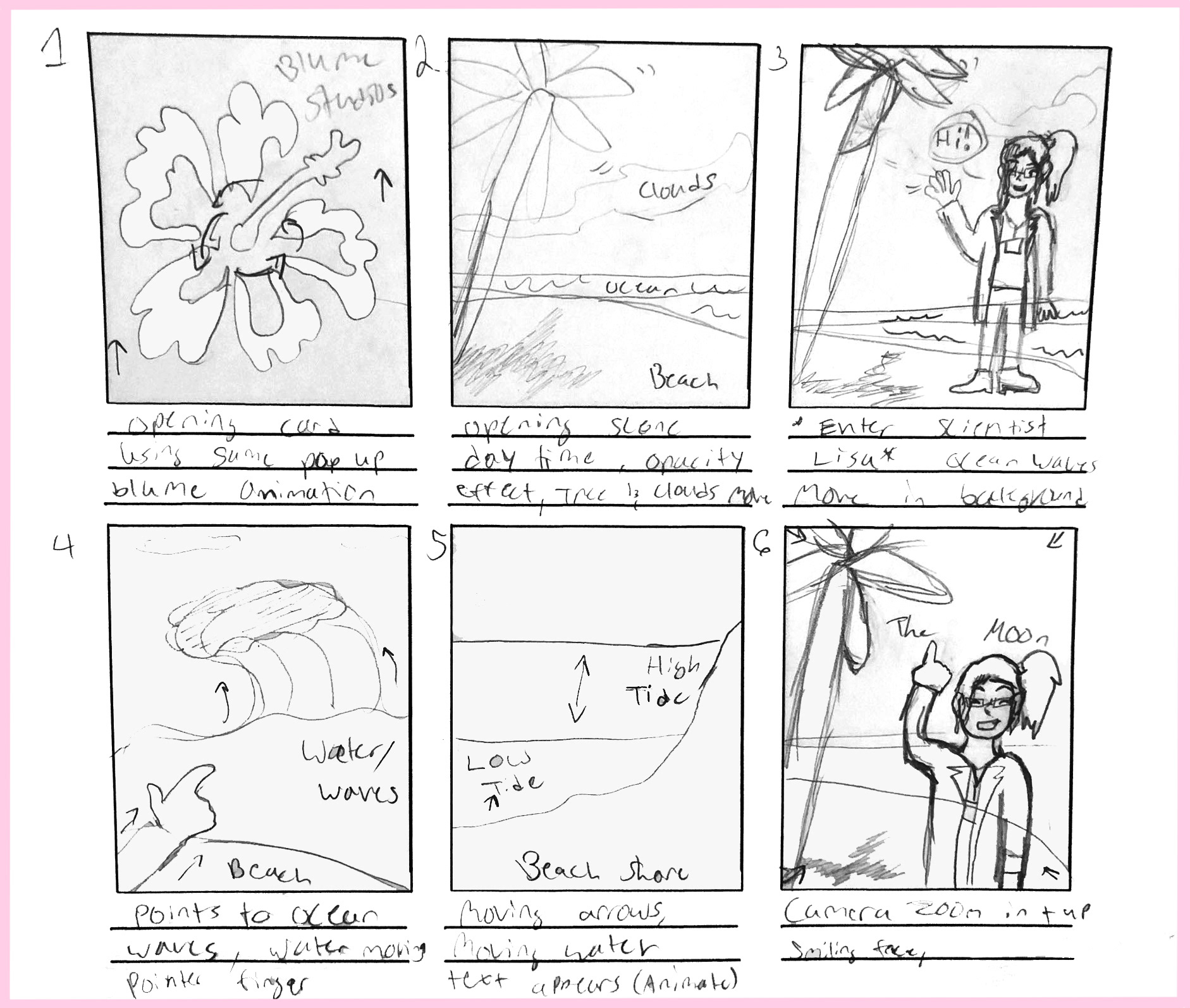
1-6
1-6
7-12
7-12
13-18
13-18
19-24
19-24
Storyboards
Production
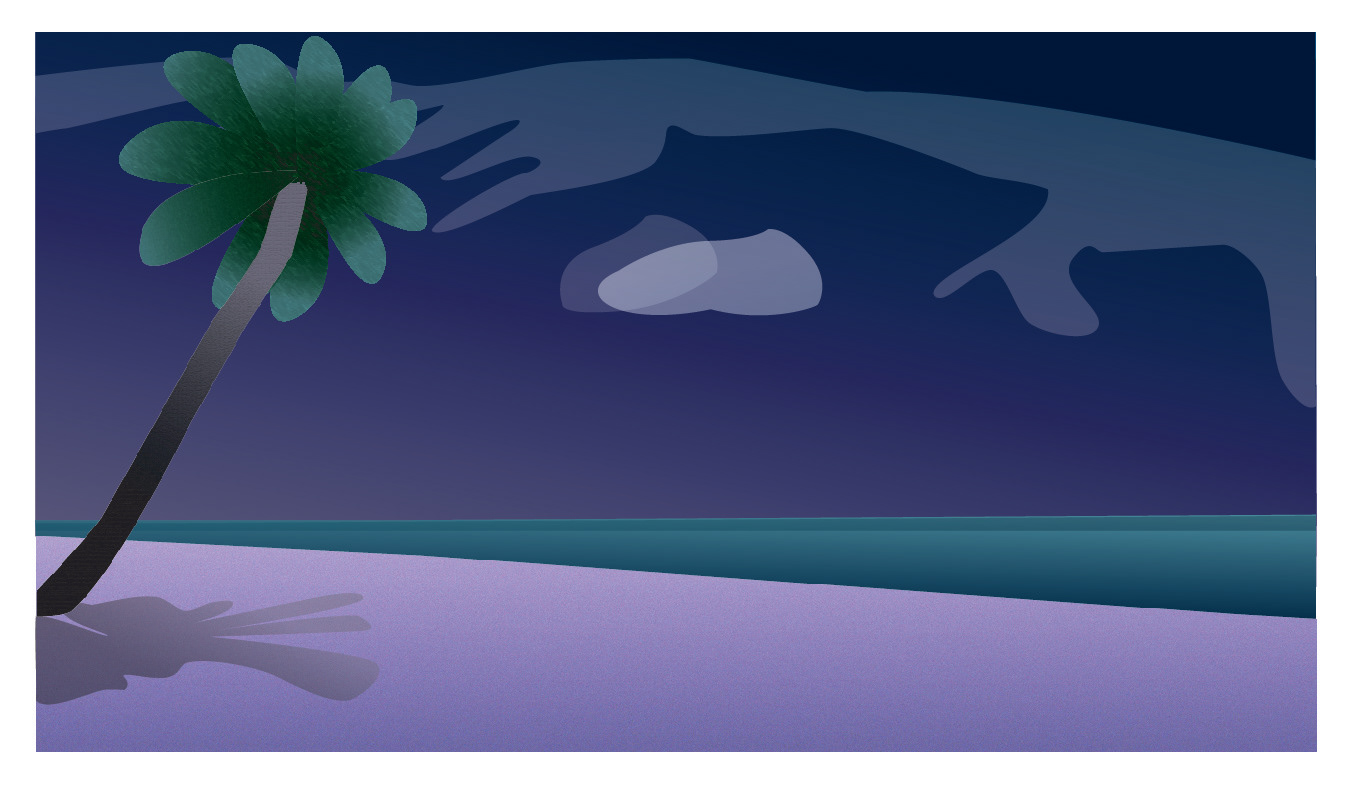
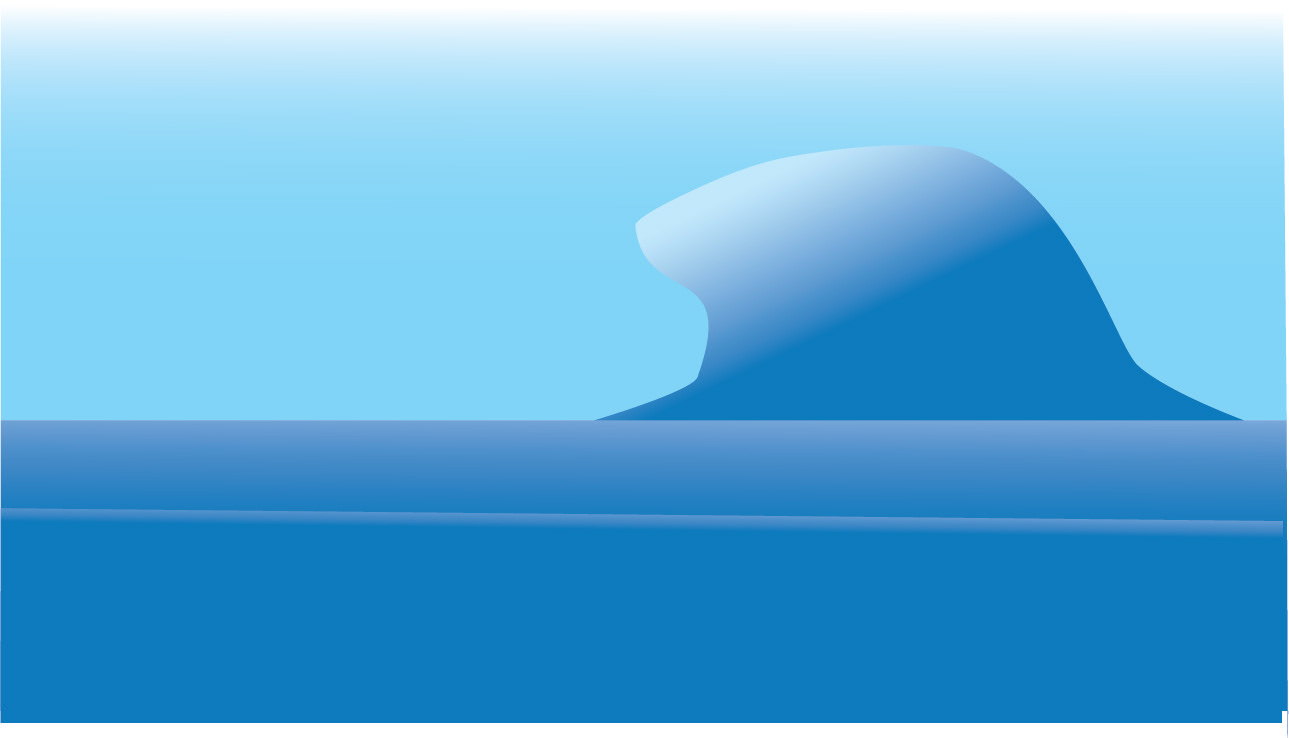
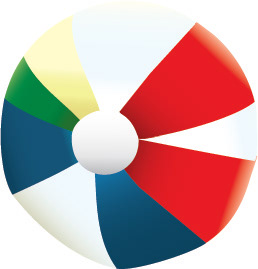
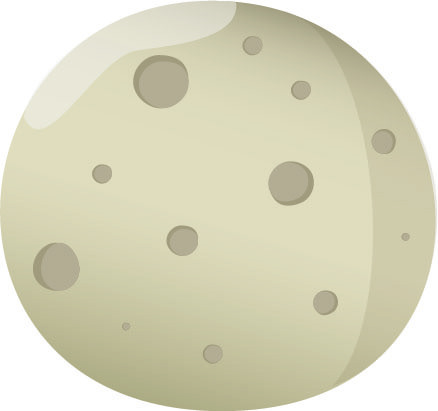
Below are some various stills of the backgrounds, scenes, items, and overall assets that had to be created for this animation. I had a lot of fun designing the different scenes and mostly kept them very close in color, atmosphere, and quality. 
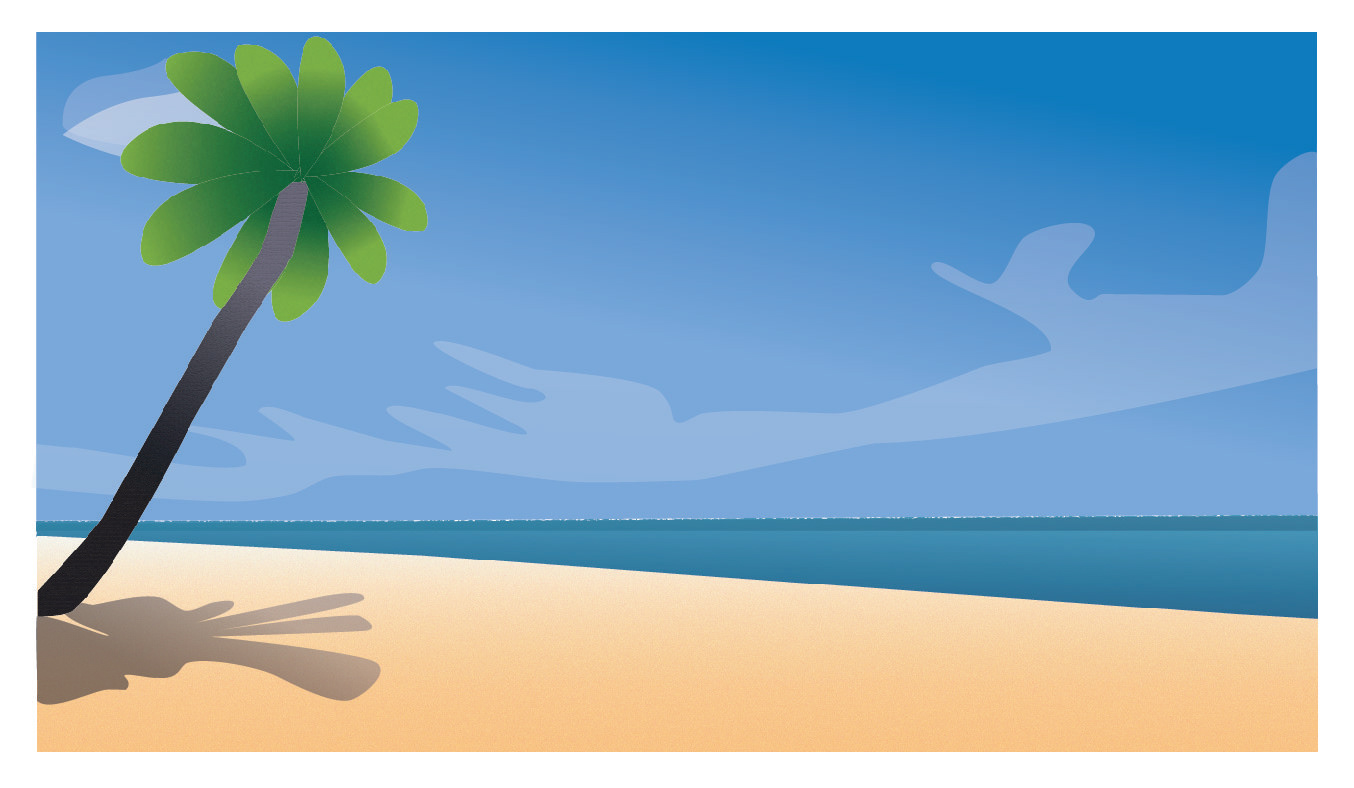
Beach day
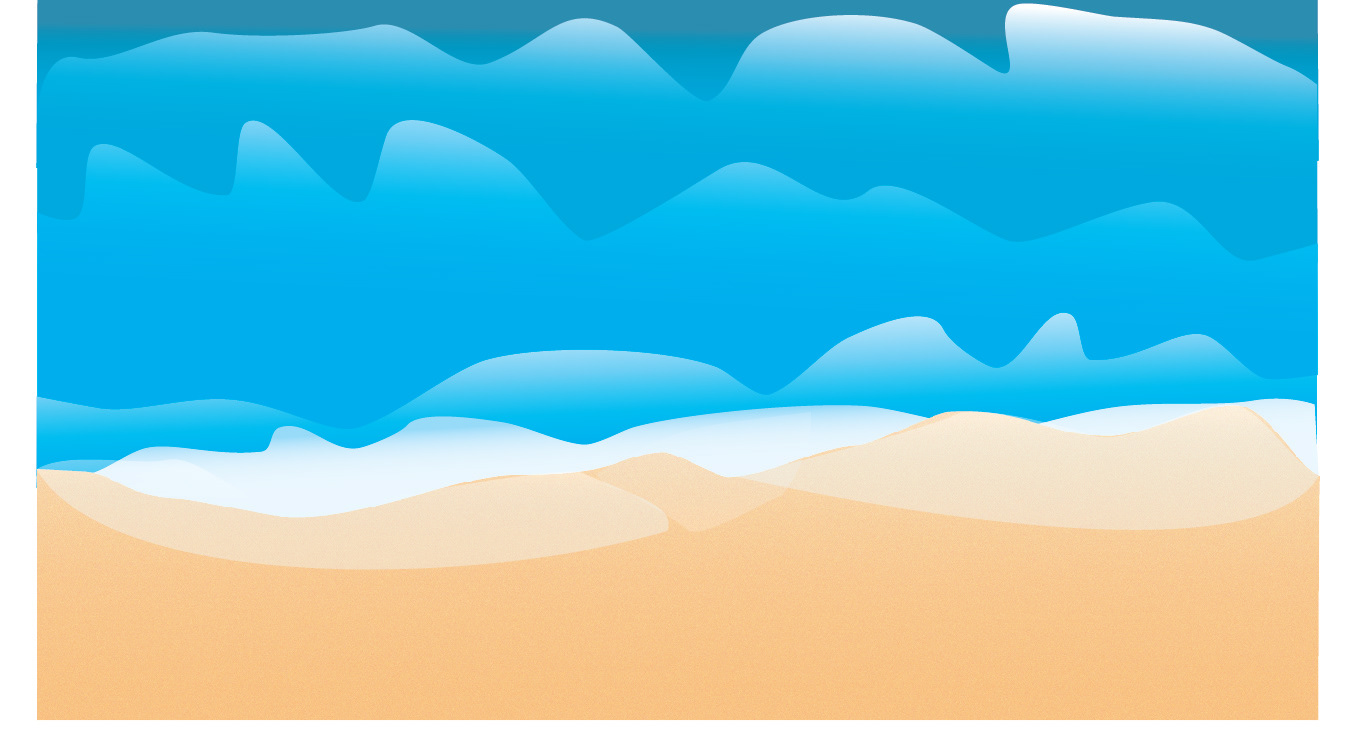
Beach day
Ariel View: ocean waves
Beach night
Beach night
Wave scene
Wave scene
Beach ball
Beach ball
Earth
Earth
Moon
Moon
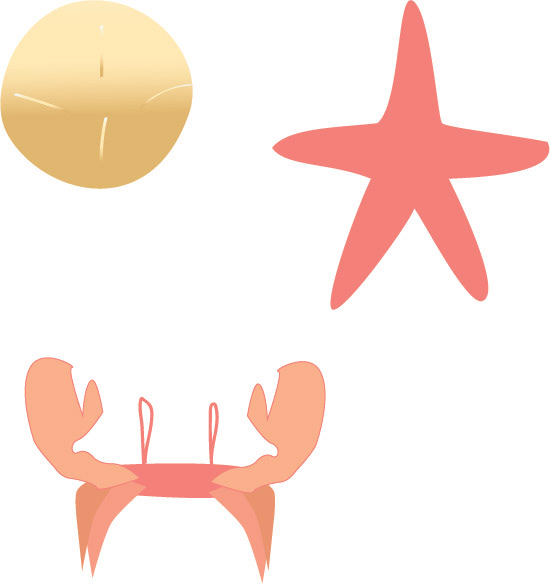
Crab, Starfish, Shell
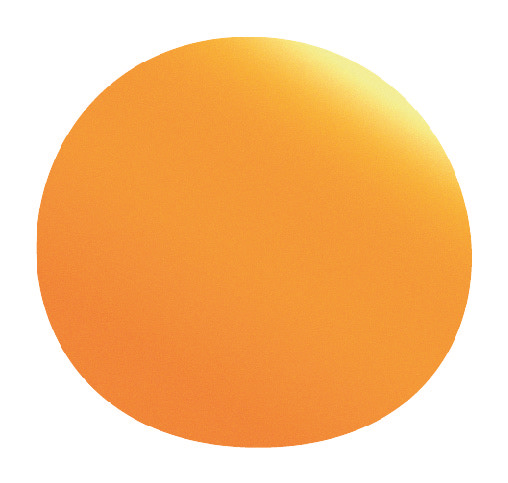
Sun
Sun
 Renders and Drafts

Render test 1 in After Effects

Of course, the first render is never perfect- so I had to re-render and fix the rigging of the character several times just to see what was working properly and what was broken or malfunctioning. I had this fun issue of Scientist Lisa and her hands going missing or her reappearing in places she was not supposed to. 

Full Educational Animatic Explainer, After Effects 2024, 1920 x 1080

I did end up revisiting this piece to upgrade a lot of the graphics, while they matched a family friendly style, they still felt too basic. The shapes were too round and lacked detail for objects like the palm trees, ocean waves, and the beach scene. I also felt the sun was way too basic, as well as the moon and earth design, so I went back in to create in a style that still felt family friendly and show off my illustration skills to make more visually engaging graphics. 
Final Product Pre-Revision and Gnatt Chart 
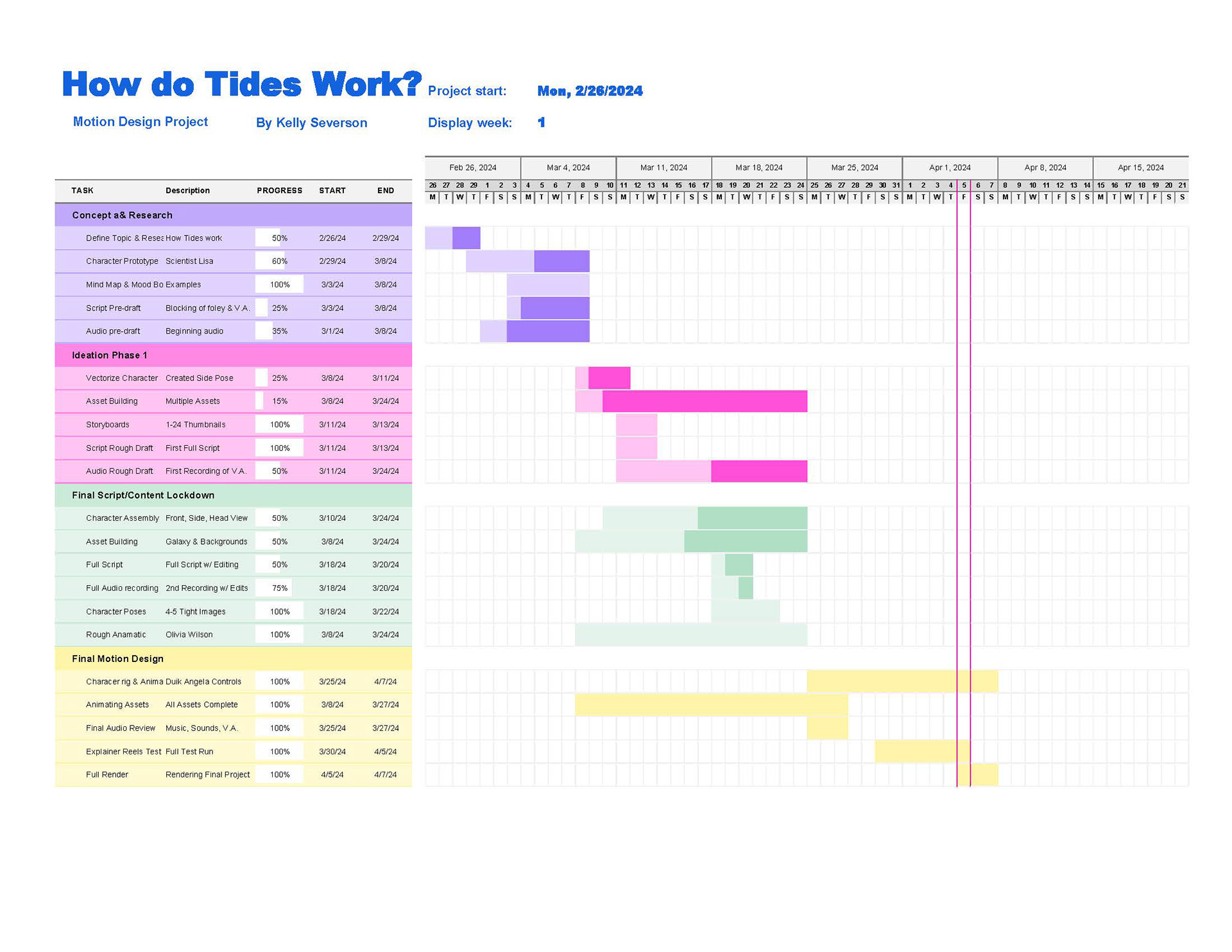
Gnatt Chart
Gnatt Chart

Full Educational Animatic Explainer, pre-revisions

I was very satisfied with this outcome as I was able to fix the hand issues and make changes to make the character animations smoother, fix the lack of detail in the graphics, and I also was able to explore and use more text effects when I re-visited the project recently. 
Revisions
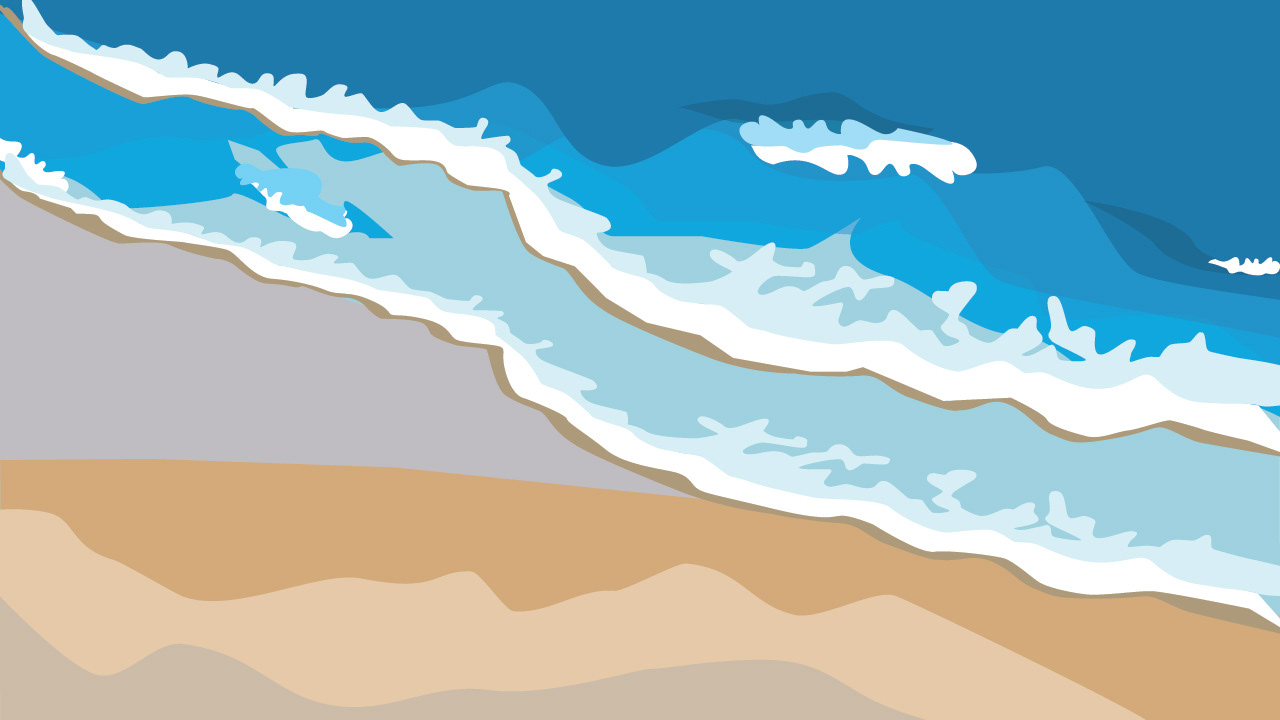
Revision arial view
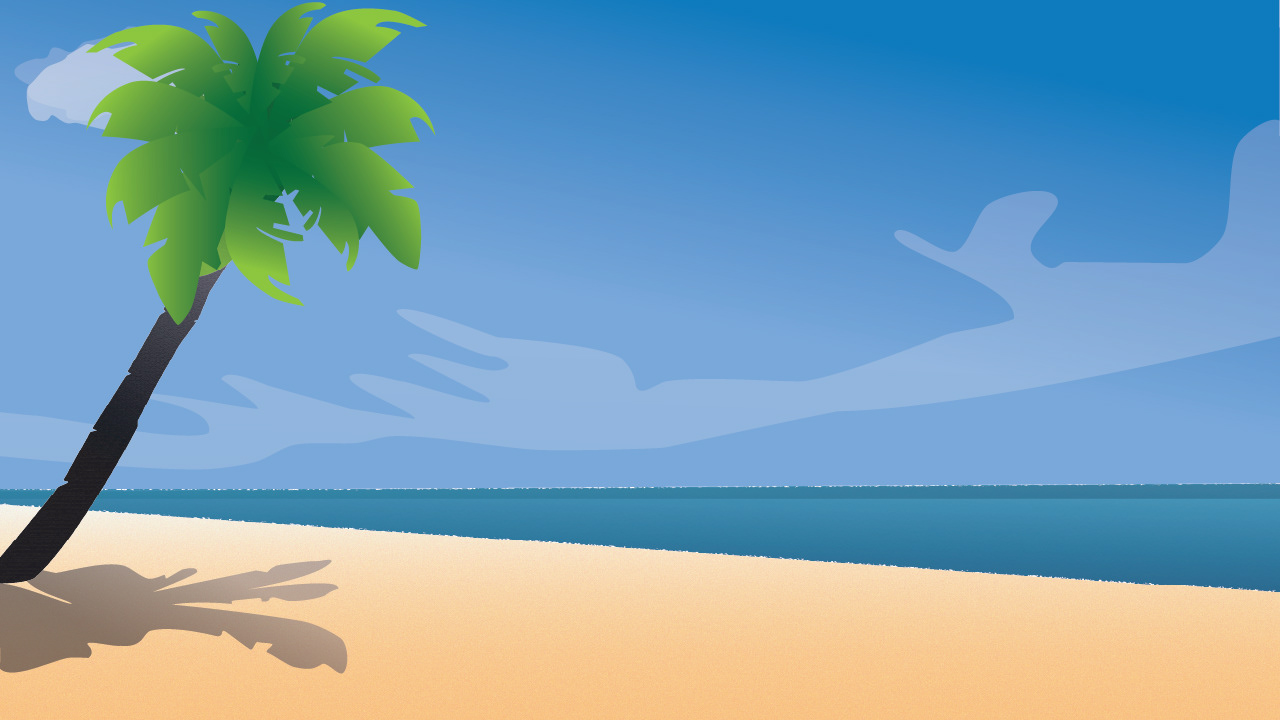
Revision arial view
Revisions day scene
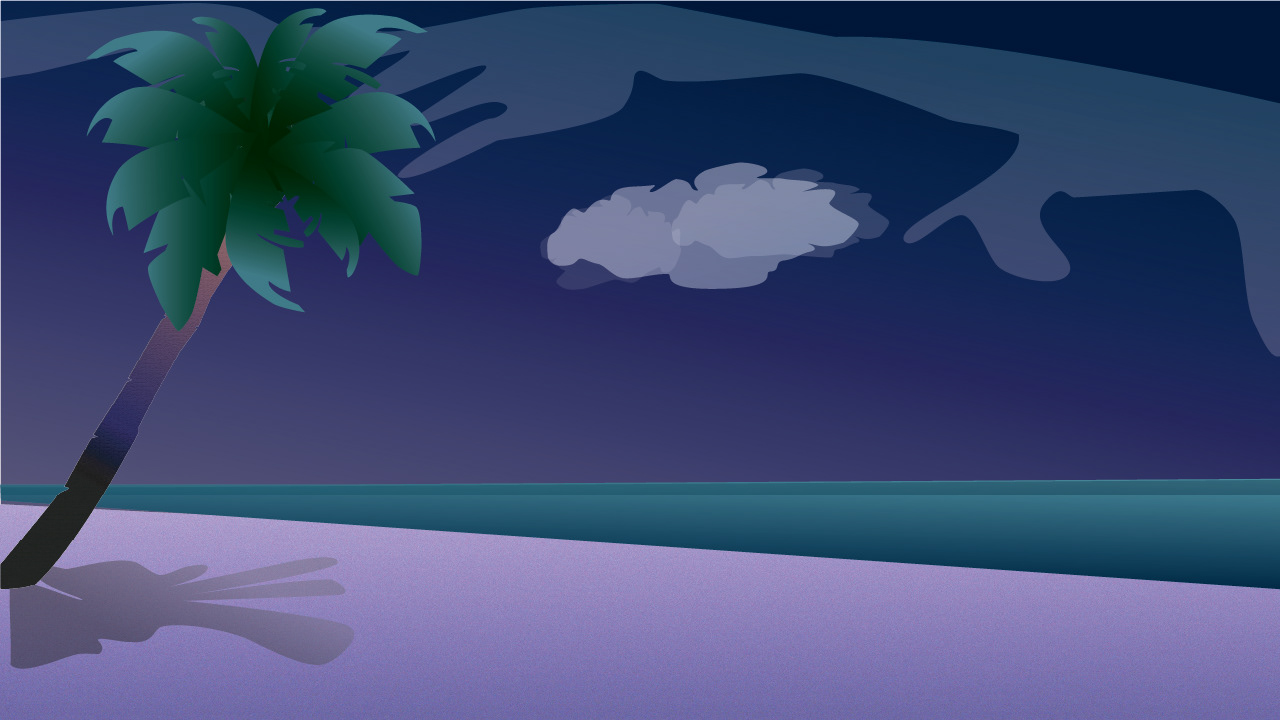
Revisions day scene
Revisions night scene
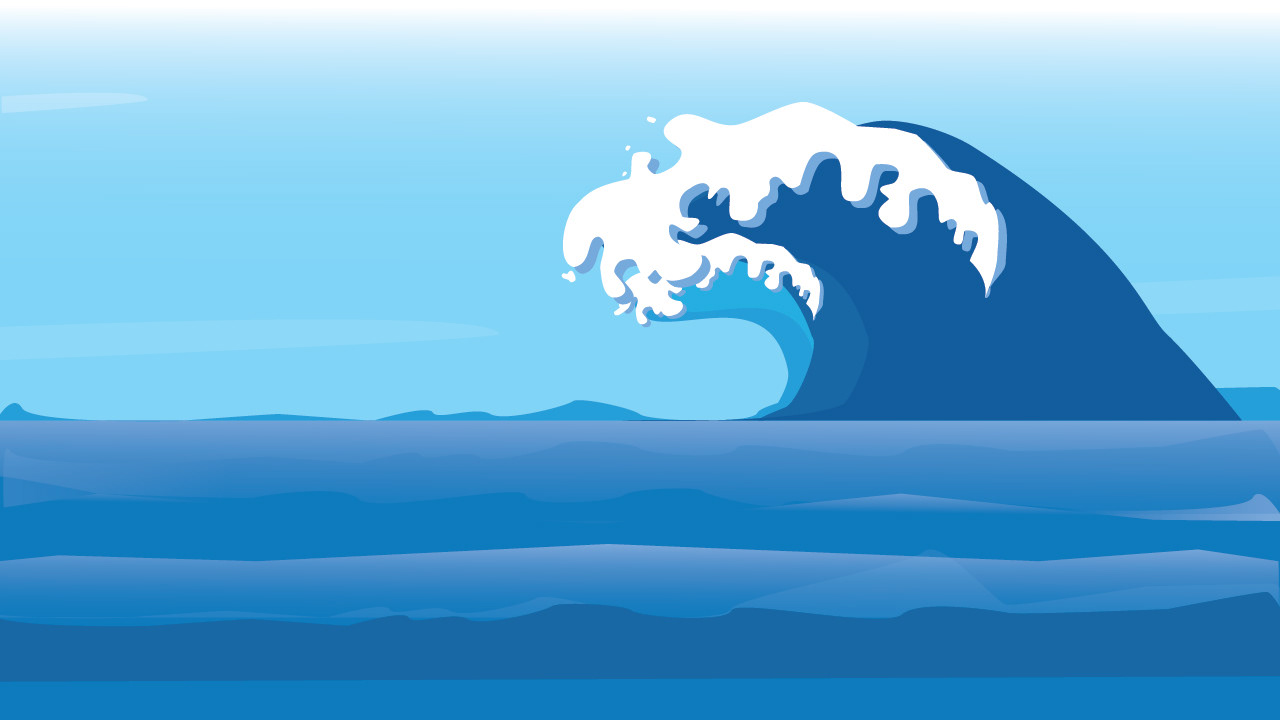
Revision wave scene
Revision wave scene
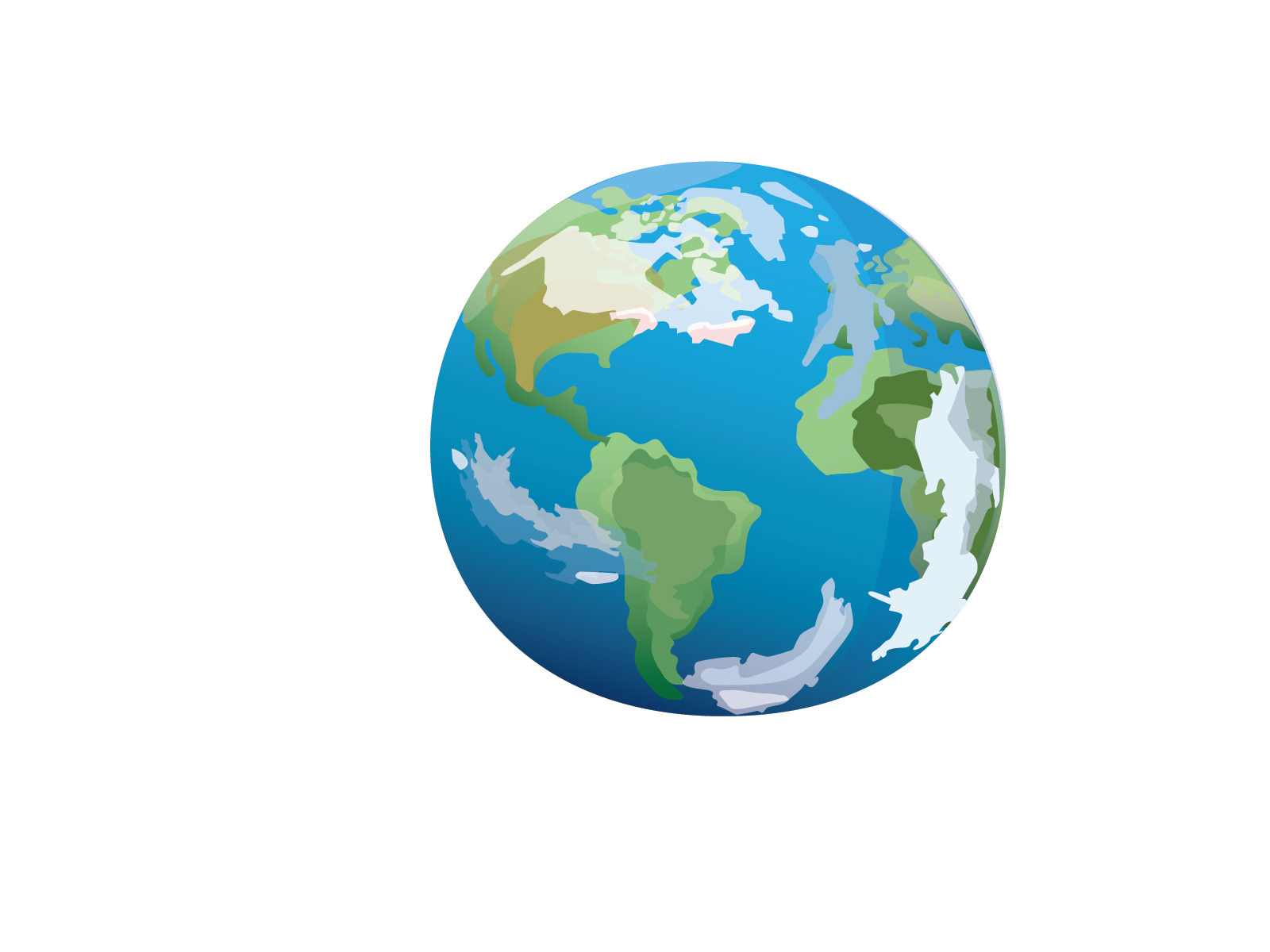
Revised Earth
Revised Earth
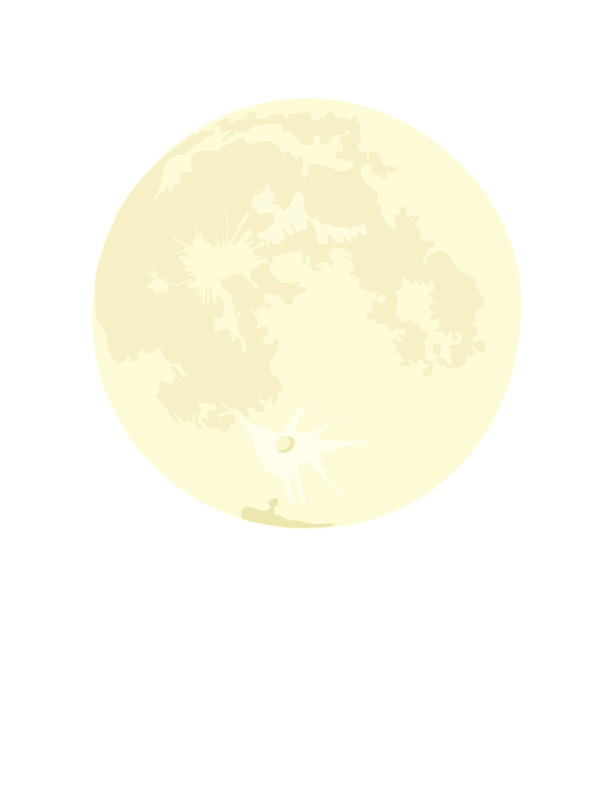
Revised Moon
Revised Moon
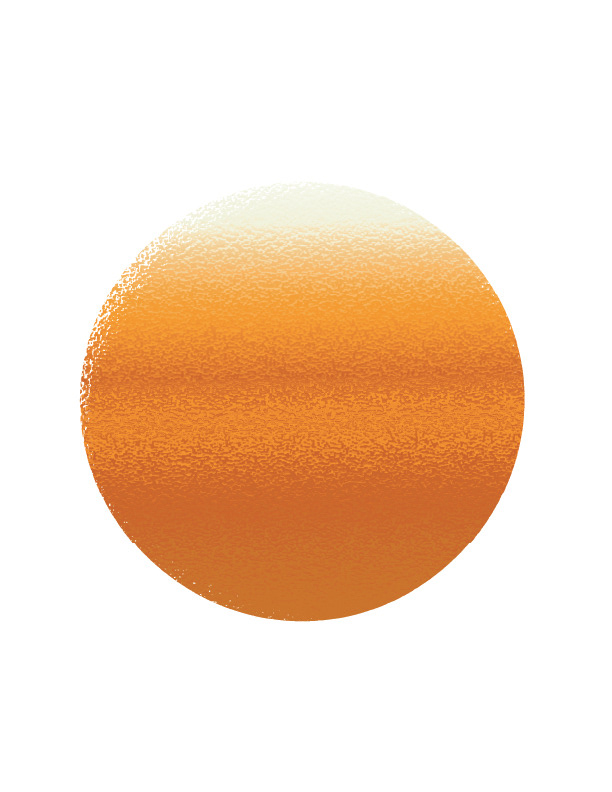
Revised Sun
Revised Sun
As apart of my own growth, I wanted to come back to this project in particular because it had so much potential to be a really high quality explainer. While the initial assets were great for a beginner, it was time to go back in to revise them by adding in new layers of colors, shapes, and more moveable layers for further animation in After Effects. I wanted to stay true to the child friendly style of the video and character while also giving the images a lot more detail and quality designs. After doing a bunch of re-designs, I went back into the file to begin fixing animations by adding extra easy ease to the key frames, fixing the pacing of the transitions, and text effects like a glow, drop shadow, and other to make the text and graphic assets pop off the page. 
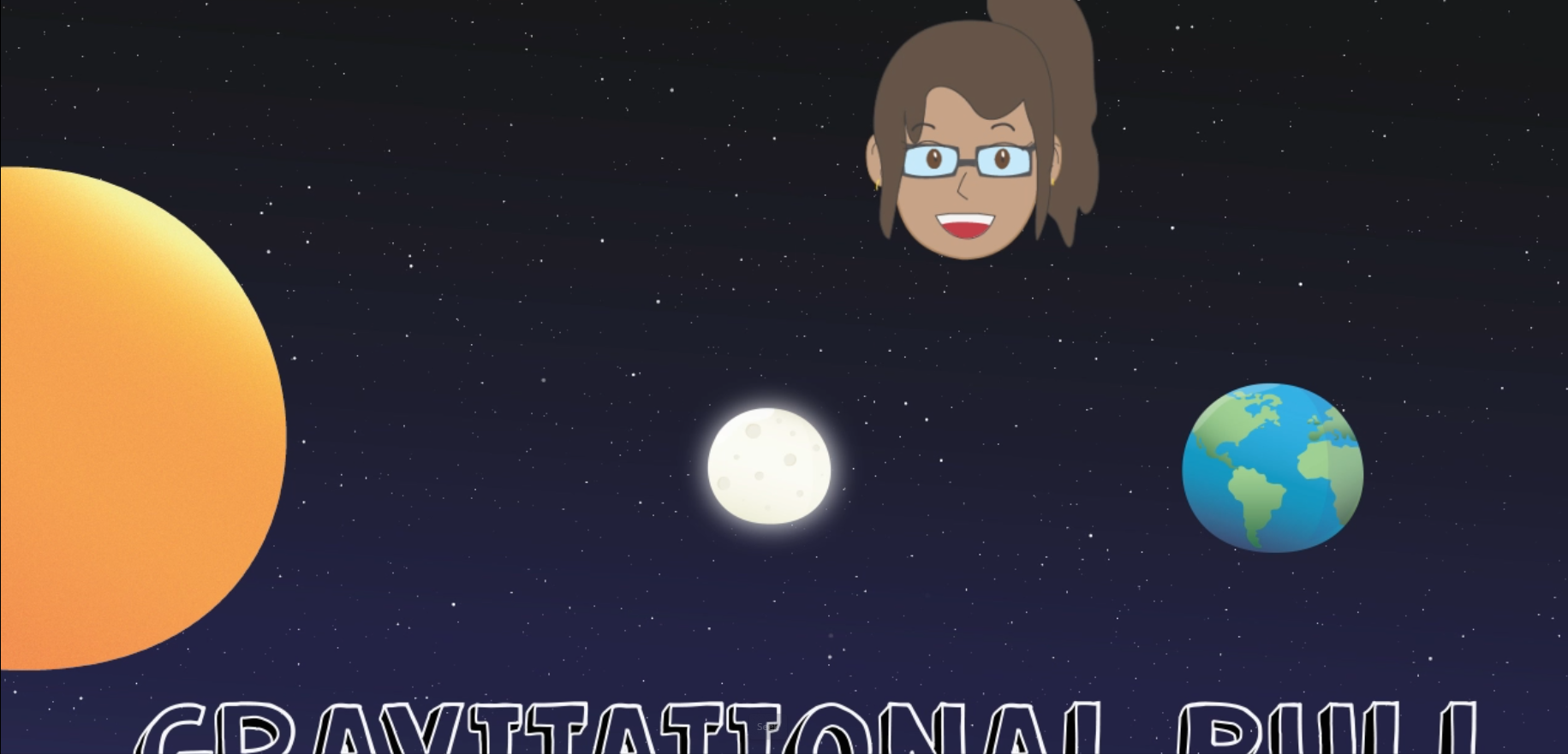
Unedited version
Unedited version
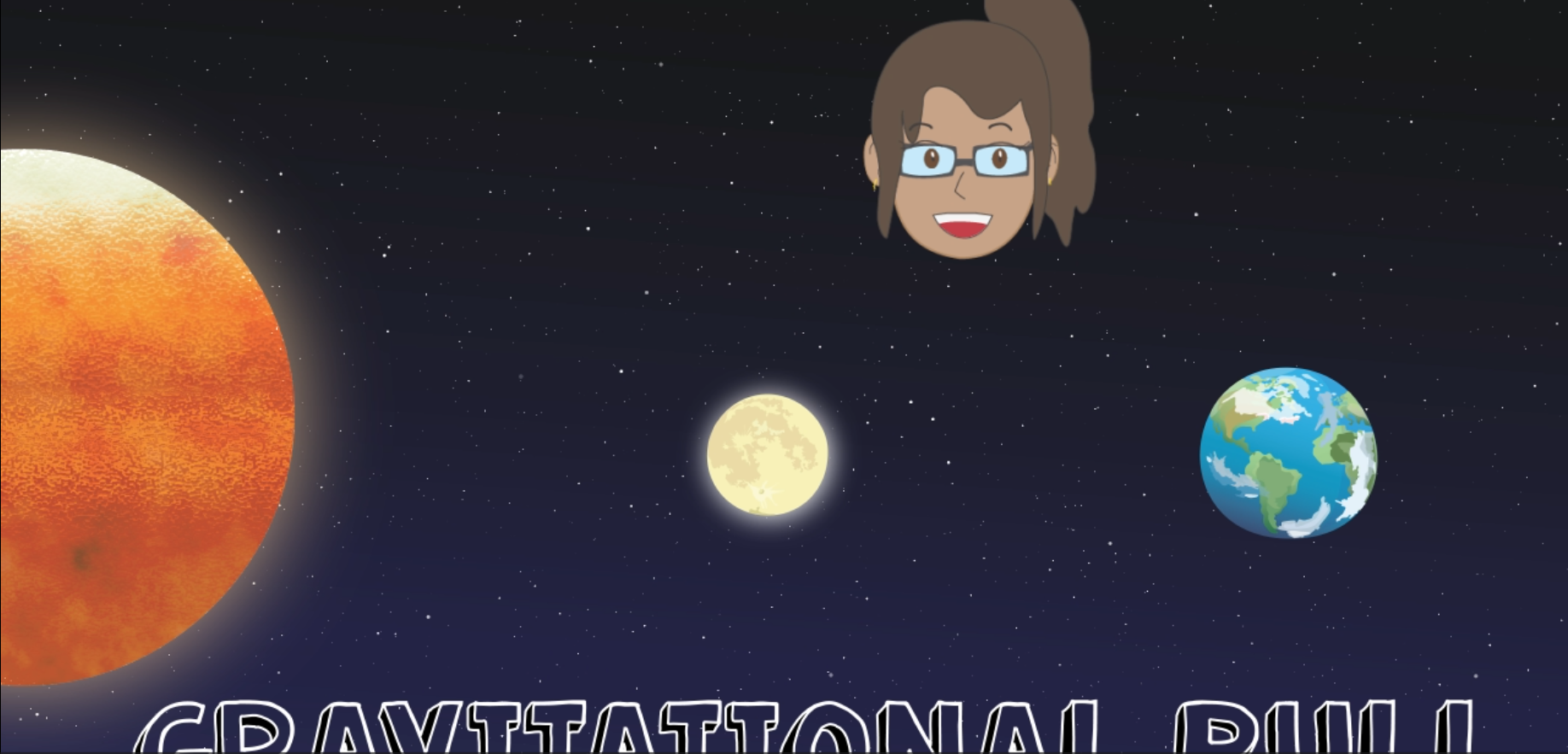
Revision
Revision
As a quick comparison, it is easy to see how much more detail and overall high quality the graphics look in the right picture compares to the right side. The planets actually pop off the page more and the sun actually has a much more realistic texture, feel, and quality that was definitely missing. 
Final Product

Full Educational Animatic Explainer, Final After Effects 2025, 1920 x 1080

For the final product, I finally felt like the project had reached a professional quality while contributing to the child-friendly atmosphere and informative nature of the explainer. By revising the assets and tweaking motion and animations, I felt like this project reached a capping point where it looks a lot better, smoother, and has all the items it was missing before. I am super proud of how the designs look all together after the major revisions, and feel it is worthy to be apart of my digital portfolio. 
What's Your Type

"What's your type" 

The overall concept of this project was to take a word and create a ten to fifteen second animation related to the word. I wanted to think outside of the box and decided to create a kinetic typography loop  featuring morphing, music bars, audio waves, and a unique effect. I mostly utilized Adobe products like Illustrator for the hand-lettering of the word, and then exported the layers for animation within After Effects. 
Pre-Visualizati0n

Word brain storming

I first sketched out six different words with animations that translated or related within the planned action. After hard debating, I settled on "music" as my final choice as I felt I could do something really unique.
Storyboard 1
Storyboard 1
Storyboard 2
Storyboard 2
 Story boards
I then generated these two pages of a story board where I decided to throw in a music note to help guide the morphing plan, where the note would turn into the audio waves by converting the letters to shape layers and animating them. I planned for the letters to split up into three sections, but make the project a bit more simple in the execution process. 
Production and Renders

"What's your type" test render 1

In this version, I was able to take my vision and really bring it to life by creating a ghost trial to make the word stand out more, animating the music note, and successfully morphing the objects to match the word. I did go back to re-edit this project as I felt it was missing just a few touches. 
Final Product

"What's your type", After Effects 2025, 1920 x 1080

To polish this project, I went back in to slightly extend the video length for better animation. I included a new music choice (I create them in band lab) along with a new scaling animation feature to replicate the moving knobs similar to a DJ's board. I was really excited with how all the elements came together and felt pretty proud of what I accomplished in such a short frame. 
Type Garden

Type Garden Full Resolution

For this project, the goal was to select three insects, chose a typeface, and create the insects out of the letters of the typeface. After creating the insects, create and generate a 3D mesh and 2D garden background. Then, take all the assets and animate them into a ten to fifteen second animation utilizing expressions, special effects, and other techniques to create a living garden.
Pre-visualizati0n
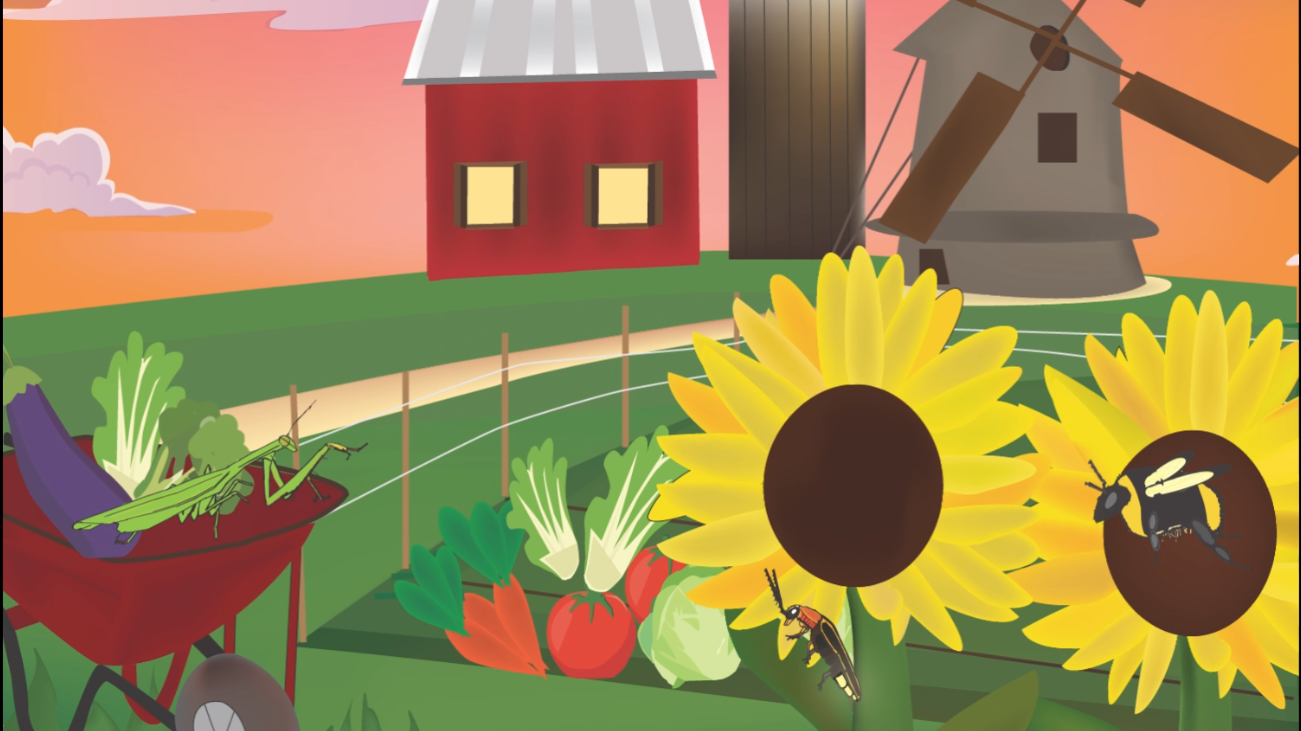
I began this project by doing some quick research on reference videos and images of various insects that live in gardens. I wanted to select unique insects that could have eye catching effects such as the lightning bug, where there was potential for some cool effects. I also grabbed some inferences for gardens and leaned more toward a barnyard since it was a more dynamically complex scene. 

Mood board

Production
To start production, I chose typefaces Bradley Hand ITC and Papyrus regular to create letters that would have rigid edges, replicate fur or fuzz for the bumble bee, and have more texture than regular letters. I created each insect in Illustrator and then exported those layers into After Effects for animation.  
Bumble bee, lightning bug, praying mantis
Render Test
For the lightning bug, I created a small walk cycle using looping expressions and a wiggle expression on a light to create the iconic blinking. For the bee, I animated the wings, and created a looping walk cycle. For the praying mantis, I created a very slow cycle of moving limbs, antennas, and legs to replicate how they move in reality. These were all created in After effects. 

Render test 1

Final Product
After some feedback, I went back into this project to update the majority of the graphics such as the clouds, barn house, and sky. I also added new assets such as a new variety of garden vegetables to make the scene more complex and interesting as well as new sound effects and music score (created by myself in bandlab). 

"Type Garden" After Effects 2025, 1500 x 1158

After these crucial edits and the fixed resolution of the video, I feel this is now a portfolio worthy piece that has a now polished look with a better video atmosphere and more dynamically interesting scene. I am super proud of how this project came out at the very end. 
Level Up Animation 

"Level Up" Square Jump

This project's overall concept was to take this template background which consists of the three layers, objects, flames, and board, and take the shapes to animate within the template. Thus, responsible for assembling the sound effects, music selection, and the entirety of the animation of the three shapes. By using a mix of techniques including expressions, null objects, slant, warp, distortion, liquefy, and other effects, I was able to demonstrate a solid foundation of the twelve principles of animation specific to each object going through the course.  
Principles Study 

12 Principles of Animation Study

I started first by trying to get a solid understanding of how the 12 principles of animation would effect each shape, especially the squash and stretch. I drafted a couple looks of how this might appear in each shape, and experimenting with fun poses like the box or triangle tipping back to throw itself. Then, i moved onto animating the circle first in After Effects. 
Render Tests 

Level Up Render Test 1, Circle and Square

The first iteration came out decent but I was having a hard time figuring out a scale ratio and expression to make the shape shifting more smooth and less choppy. The other issue was that I had no other effect on the circle that gave it any other personality beyond the silly part where the circle jumps straight into the wall. For the square, I had to keep studying how a box gets thrown and how the object moves with rotation. After gathering more information and feedback, I moved onto completing the rest of the shapes and trying to improve the animations. 

Level Up Test Render 2, All Shapes

The next iteration came out well, with all shapes feeling more fluid, with bigger exaggerations that helped display the animation principles in a visually interesting and semi-realistic way. Primarily, the circle proportions still felt off and needed a lot of improvement through feedback. Thus, I continued to keep editing the circle and putting on new effects to help the fluid motion. Then, I kept revising until it got to a point of feeling smooth. 
Final Product 

"Level Up" After Effects, 2025, 1920 x 1080

 was pretty content with how the final product came out after spending a lot of time trying out new effects and tweaking null object paths. I was able to find effects that helped add motion where the shapes were feeling too rigid and now looked more alive. 
Saul Bass Tribute 

Split mirror scene

The idea behind this project was to select a designer that had a major influence in the field of motion design and create a video title sequence of any kind utilizing royalty free images, videos, and sound design in After Effects. The video had to include transitions or techniques inspired by the selected designer and be around roughly thirty seconds long. 
Pre-visualization
To begin, I selected and researched one of my all time favorites, Saul Bass, specifically looking at title sequences “Casino” and “Psycho” for inspiration. I began writing out basic descriptions of what the fictitious sequence is about, and began looking for colors, typefaces, sound design, and other items.  
Description
Description
Typefaces
Typefaces
Research
Research
Research
Production
The next steps were to begin collecting royalty free images and utilize them for motion graphics and putting them all together with the video clips to make a cohesive sequence. I also created a storyboard and a proof of concept. 
Storyboards, comps, assets
After finding royalty free images, I took them into Photoshop to edit them and make them look like the scenes I drew out. Since the title sequence is more of a horror or thriller type genre, I tried to edit the images to fit this atmosphere. 
Cracked glass scene
Cracked glass scene
Hallway scene
Hallway scene
Graphic assets
Test Render
One of the biggest things Saul bass is known for is amazing title sequence openings with either kinetic typography or transitions that utilize bars, moving shapes, and so forth. Below is the first demo of the title sequence created in After Effects. 

Split demo test render

Final Product
After making some progress with the opening title of the film name, I began importing the rest of the clips, comps, and layers for further animation. I came back with a final product that was created using special effects like shatter, expressions, shape layer transitions, and others and rendered out through Premiere Pro.

"Split" After Effects, Premiere Pro, 2024, 1280 x 720

After putting together all of the elements, I think this project was successful in creating a thriller and horror like opening sequence, reminiscent of Saul Bass's unique motion design style. I think between the kinetic type and the overall atmosphere of the video helps make this a strong title sequence to present. 

You may also like

Back to Top