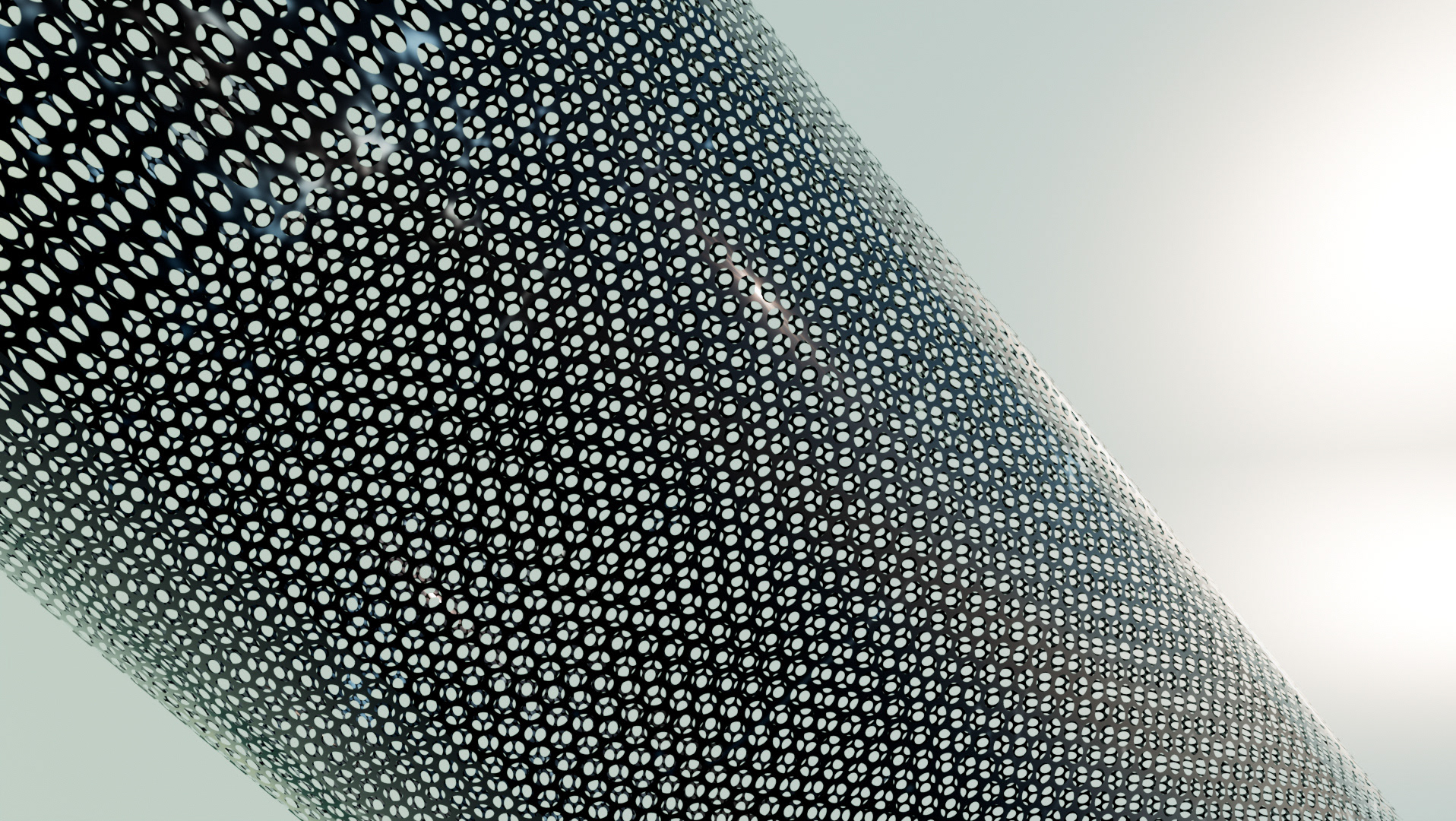
Delaware Riverbank Advertisement Project
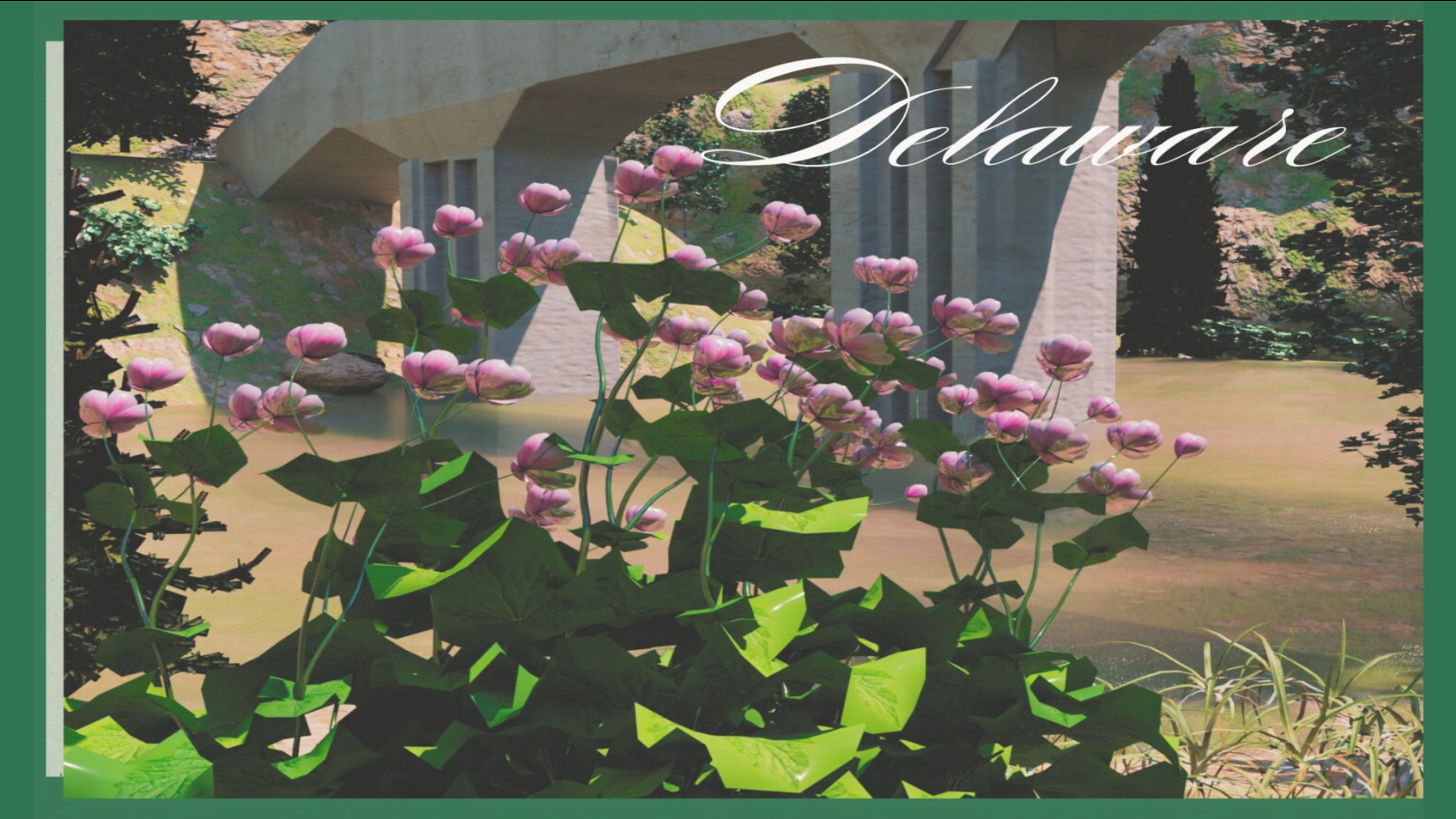
For this project, I had the opportunity to try and create something new that I have never made before, and something my portfolio desperately needed. I decided to build a completed 3D environment of the Delaware Riverbank close to a camp ground I used to visit. While I first created this project to be a highlight reel of just the renders and good camera shots, I instead took the path toward creating a simple advertisement. This project combines 3D modeling, animation, lighting, rendering, and then combining the footage into post-production to then add and create motion graphics for the full video.
Mood Boards
To begin this large scale operation, I first needed to plot out exactly what I was planning to do and all of the resources I would need. I decided on creating simple mood boards first to get a sense of what kind of art style I was going for, some possible graphics and typefaces that would pair nicely, and any other references for items and objects like plants and a bridge.
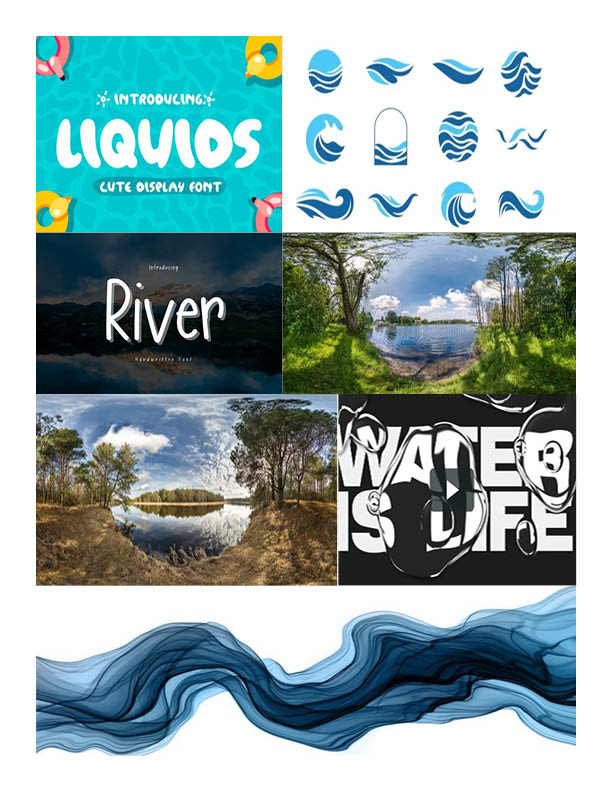
Mood board 1
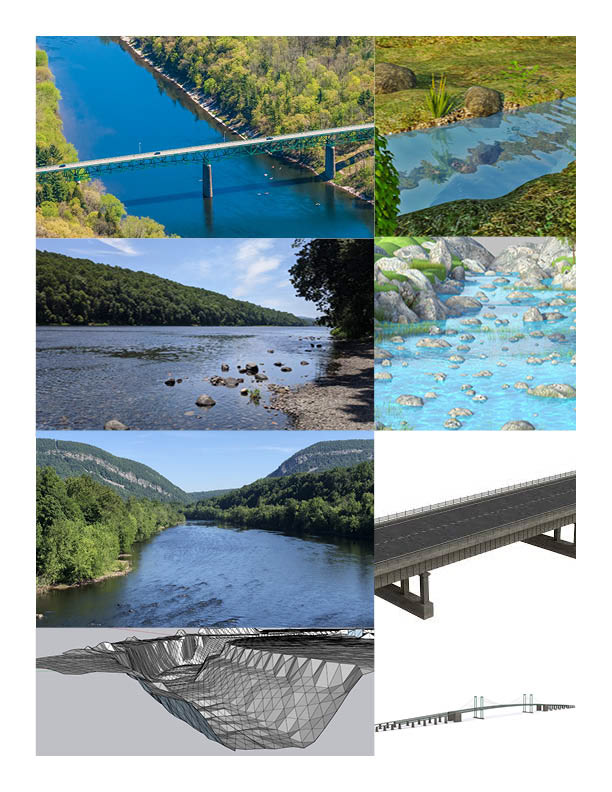
Mood board 2
Storyboard
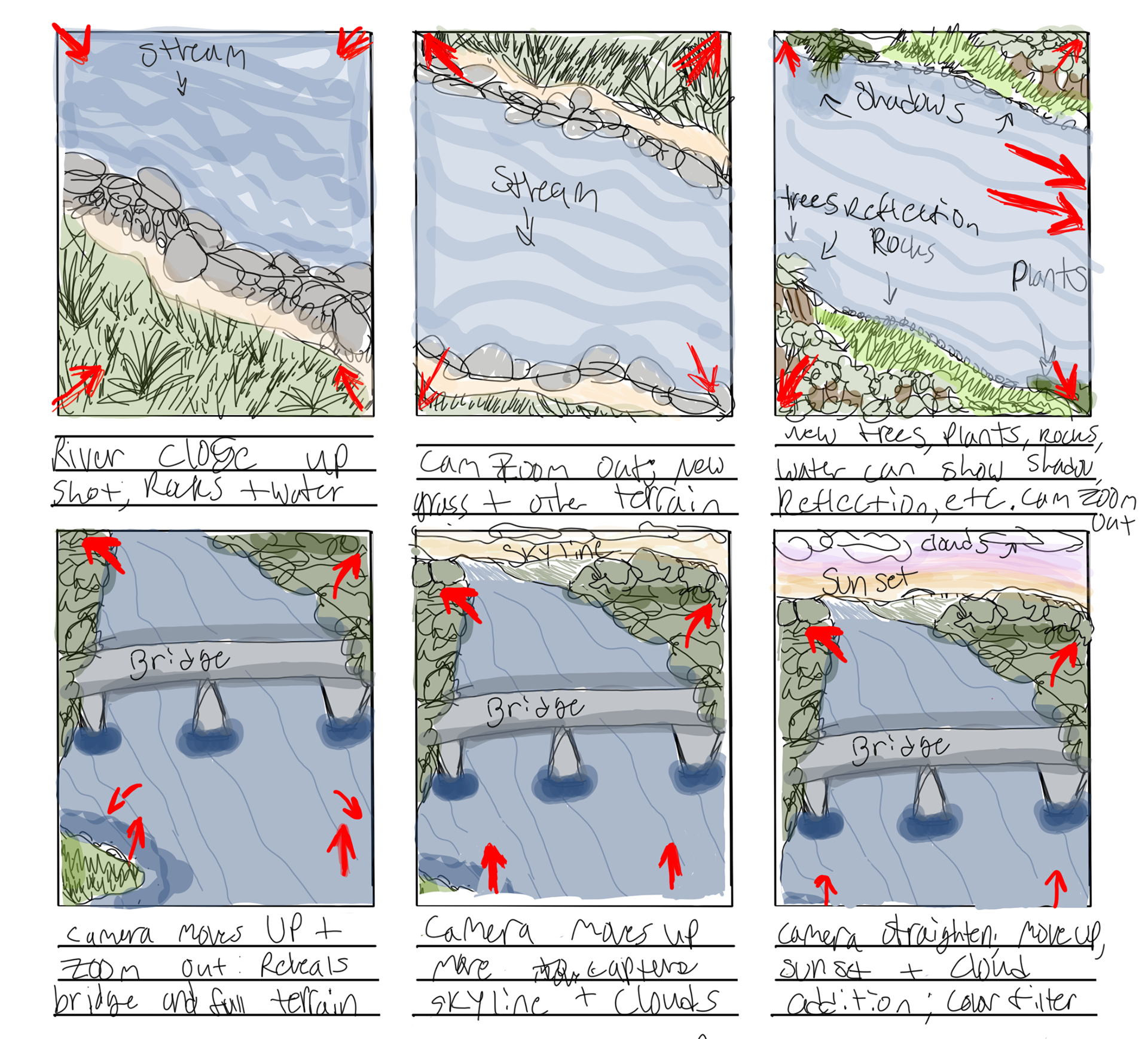
After making mood boards for inspiration and ideas, I then created a simple story board that would help capture the beauty of the scene, establish where items will go, and create a quick draft plan that one of the camera angles would follow when rendering out the scene. At this point I was aiming for hyper-realistic detail as this has been a growing industry trend.
Production
After figuring out what I wanted to do with the project and had most of the ideas down on paper, it was time to start building and modeling. I choose to use Autodesk Maya and Arnold renderer as my main software and tools. I first started with creating the geography of the river and setting up the animation for it using a noise texture to generate convincing water. I then started on simple trees.
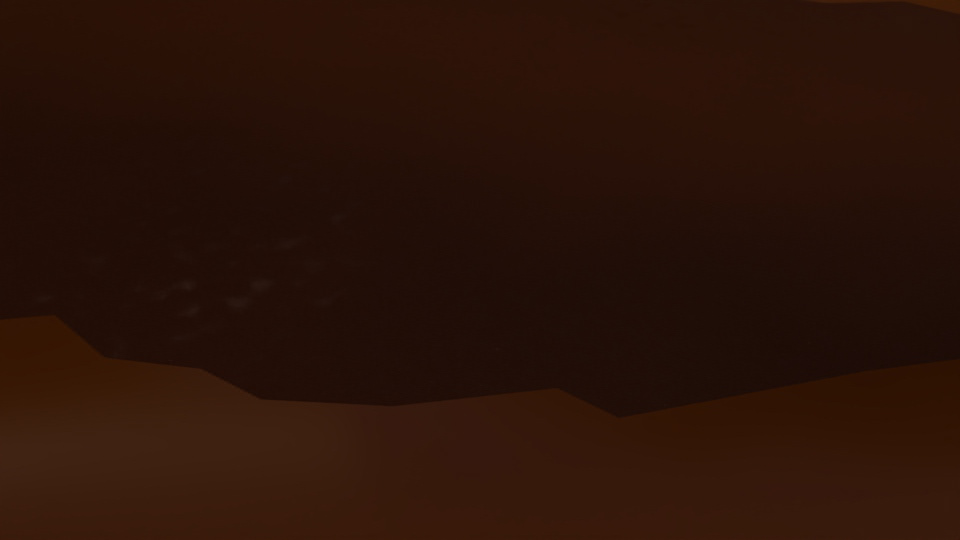
Water frame 1
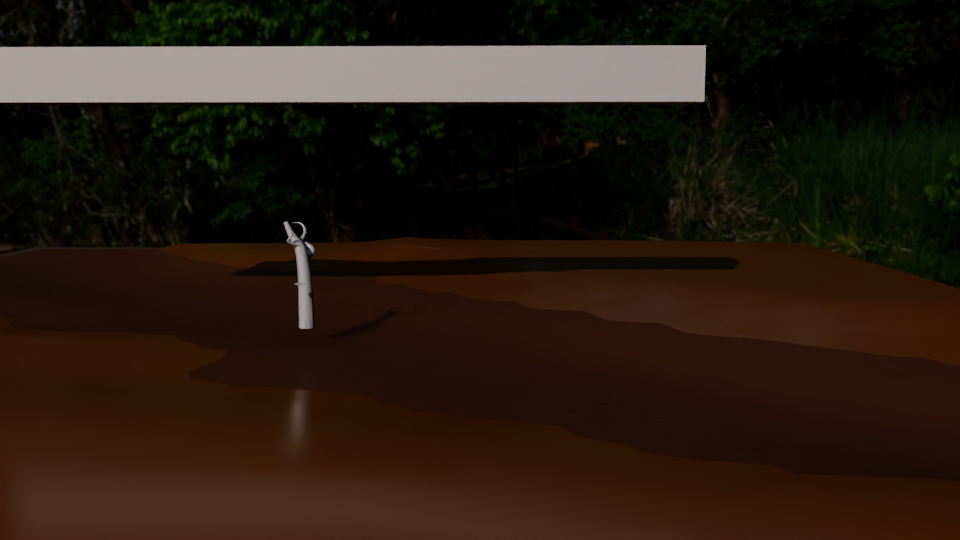
First tree and bridge frame
Of course, this was such an early step into the project where I really only had success with the water. The trees I was creating felt flat and unrealistic, so I stumbled across Plant Factory that allowed me to create and build realistic trees using points, branches, and general rigging tools to create hyper-realistic and locationally accurate trees. Around this time I then began modeling and building the bridge to create a more visually complex and dynamic scene.
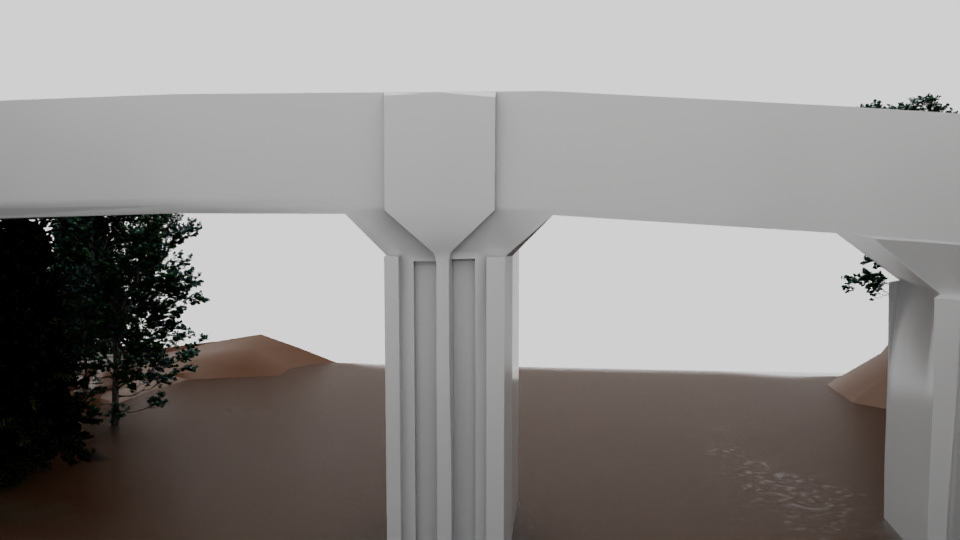
Bridge model basic
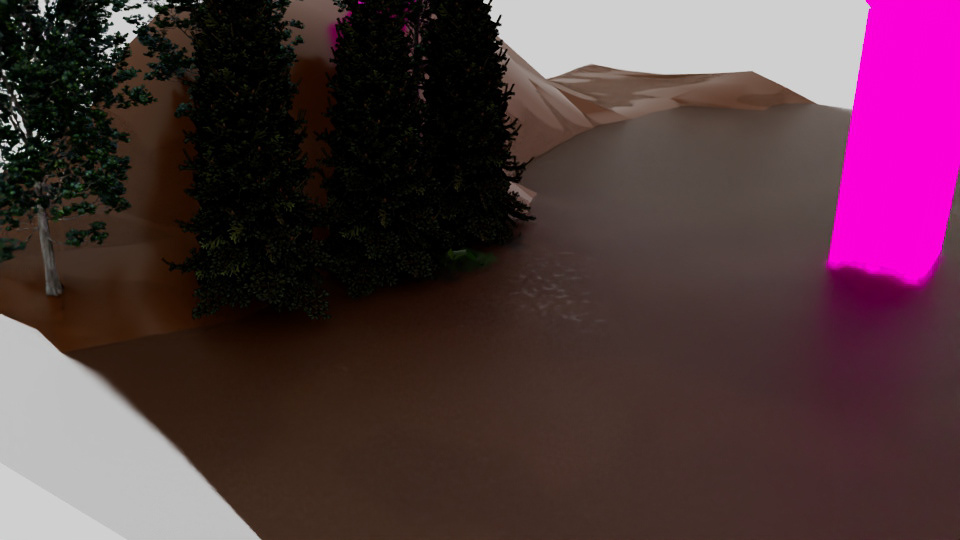
Tree test 1
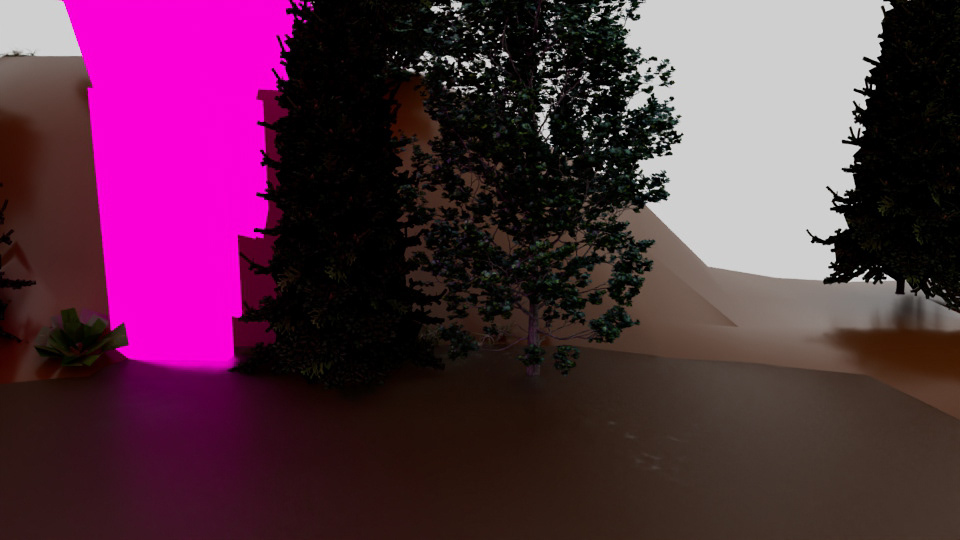
Tree test 2
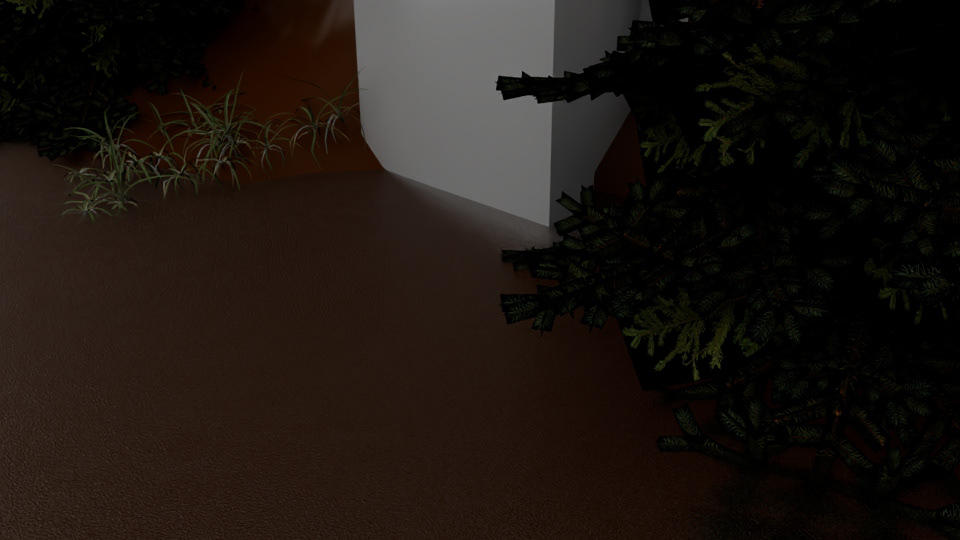
Grass type 1
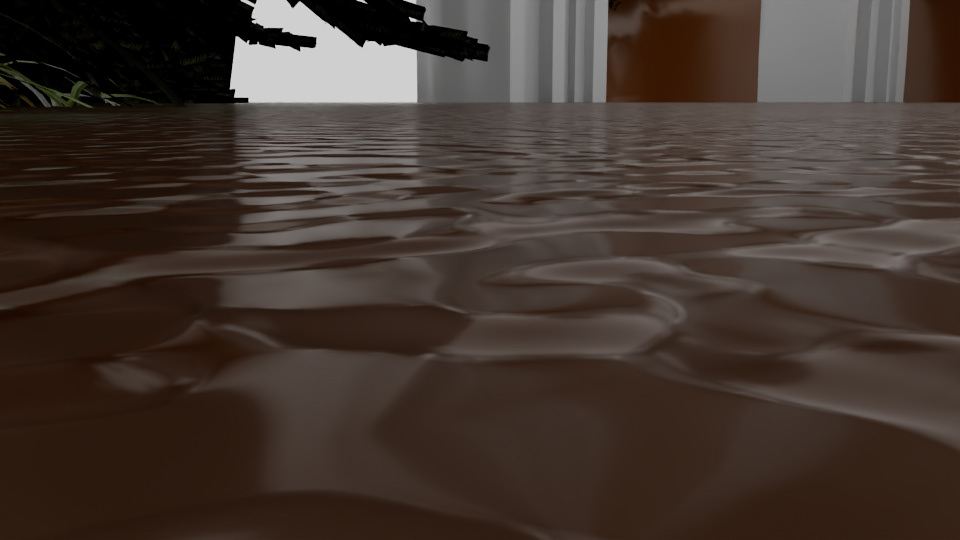
Water close up shot
While I was working, a lot of issues began happening that set me back a couple of times where the files were experiencing corruption, lost items, crashing, and the recovery files were also giving issue. I was able to find a work around and continue on. Now, I was taking the basic models like the bridge and adding in new details to make it more realistic. I then began creating the mountain to back the river along with more assets such as flowers, weeds, grass, and more.
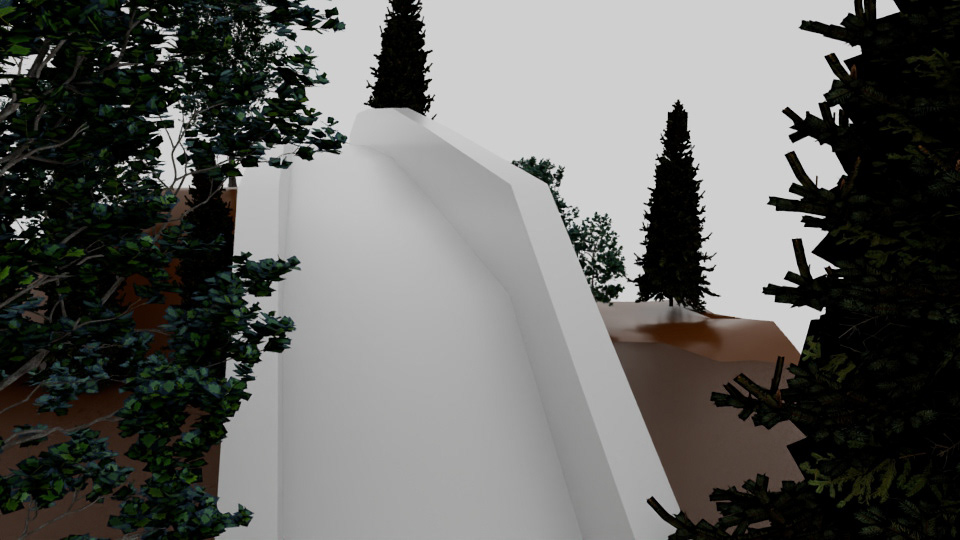
Bridge frame 1
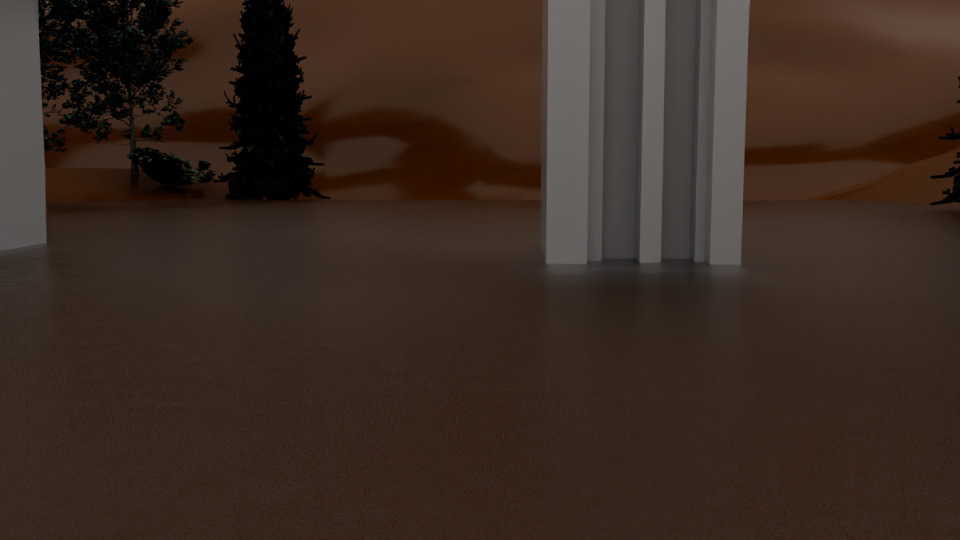
Bridge and Mountain test
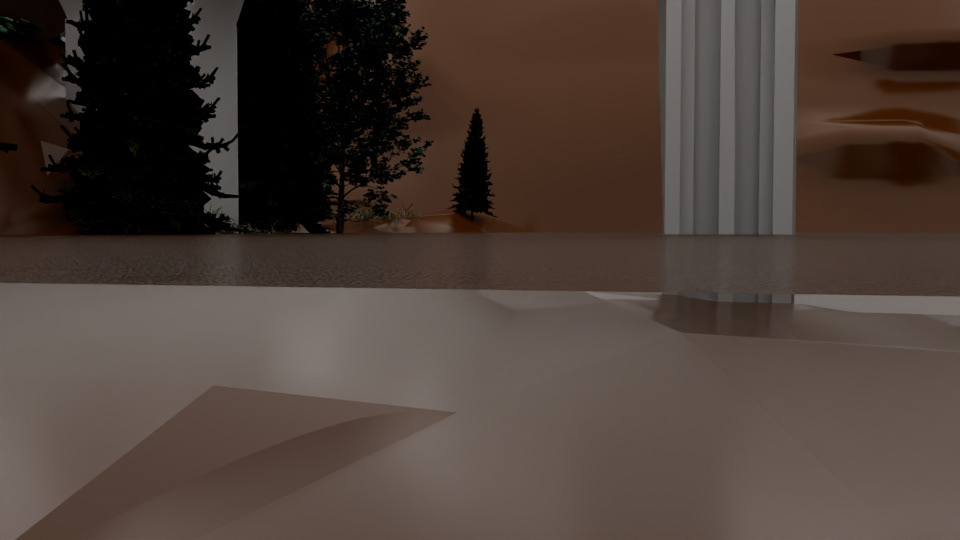
Mountain test 1
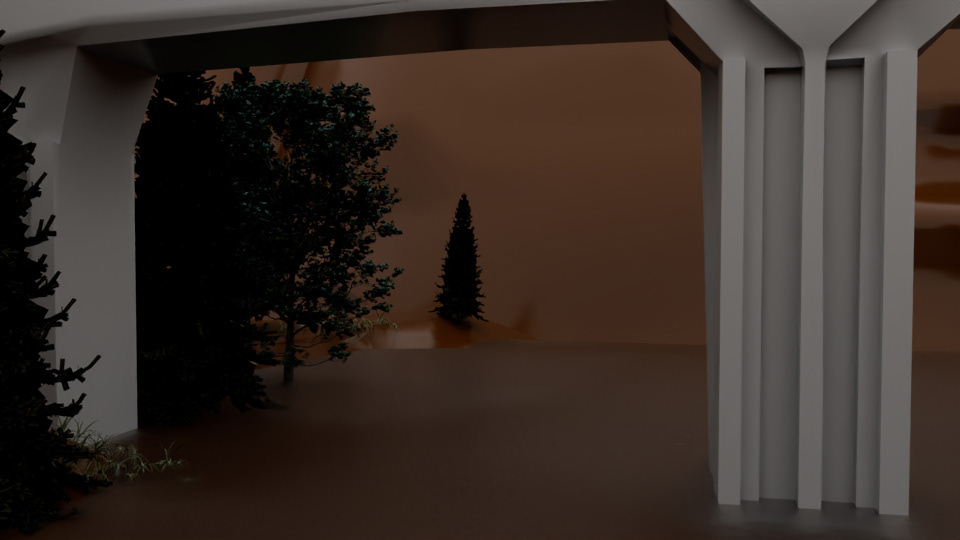
Trees and mountain test 2
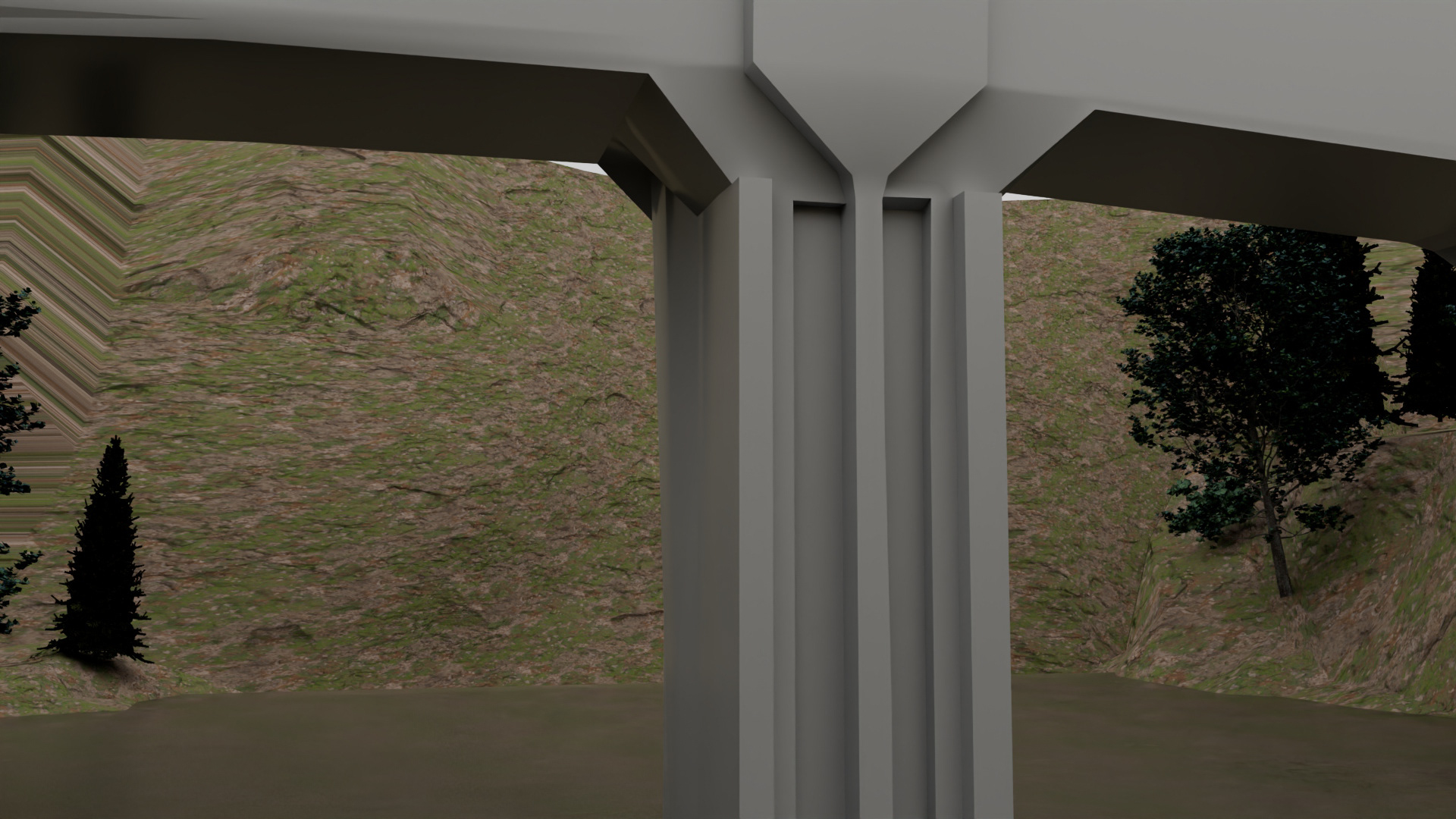
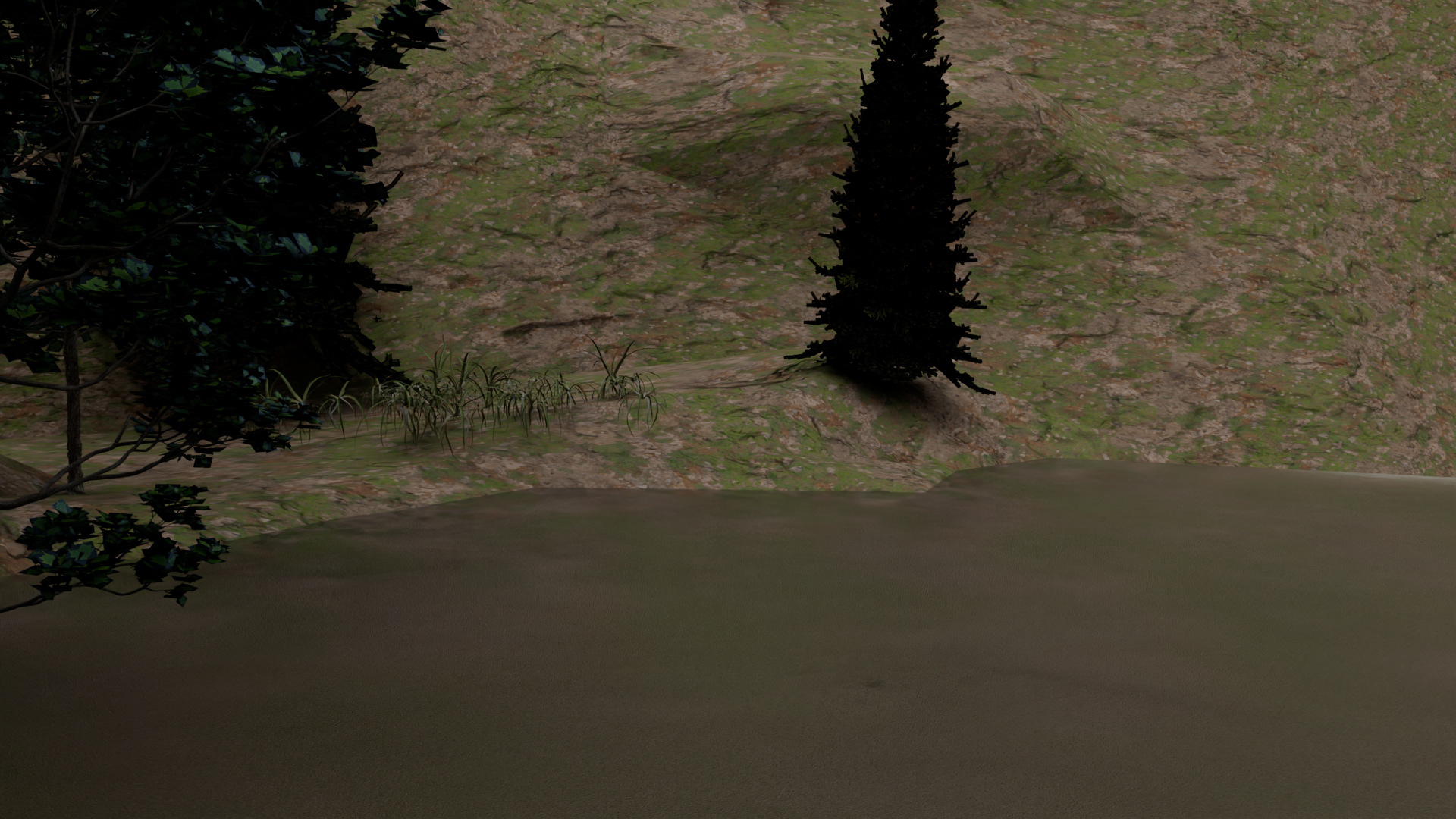
Since the models were all basically finished, I began adding and re-texturing things to get in the realistic aspects. I used a mix of cement, ground and rocks, and other textures to create a more lively and better scene than just flat brown. I also began creating more geographically accurate texturing of the rocks, stones, and divots in the mountain.
Mountain texture 1
Mountain texture 2
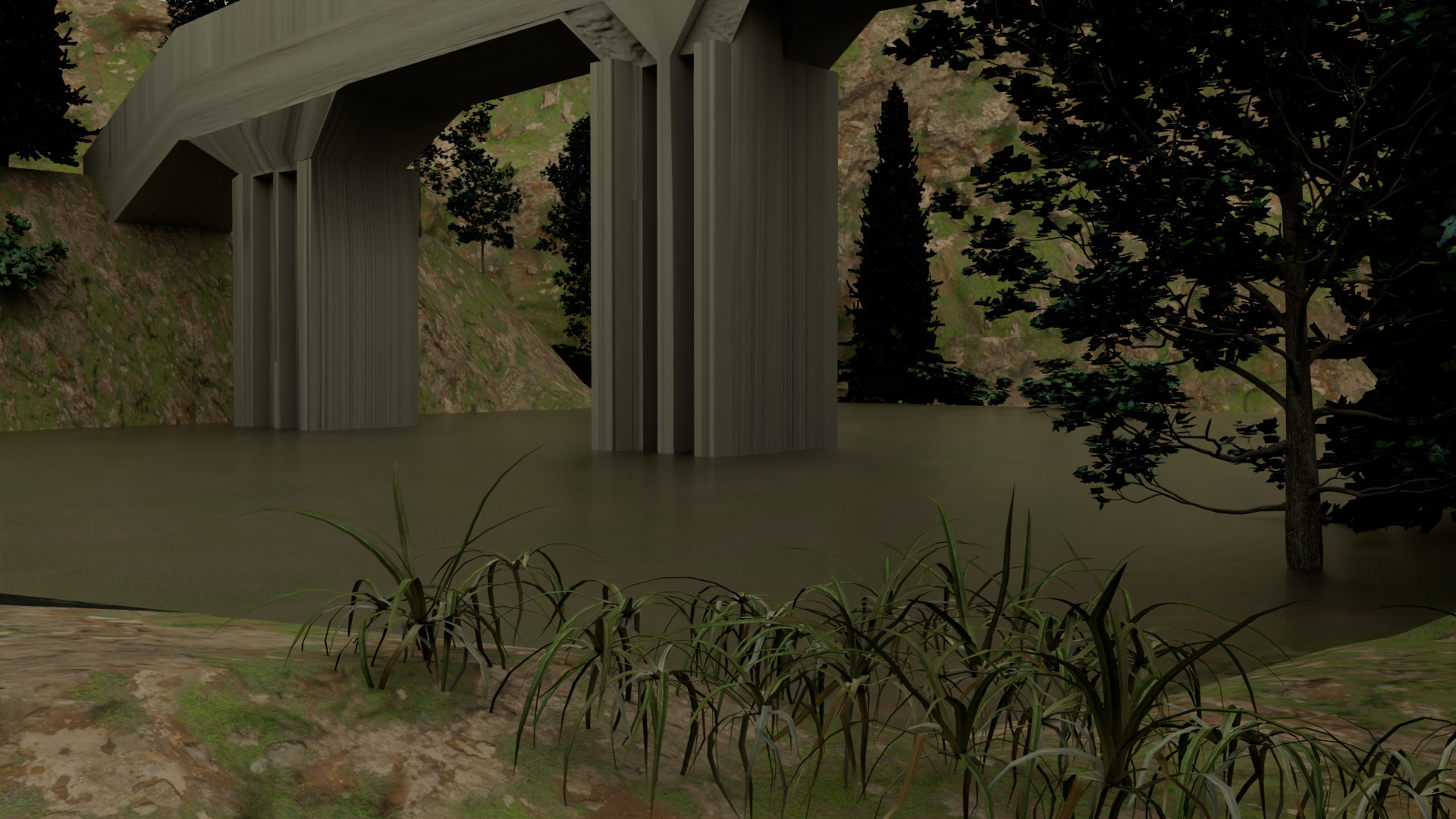
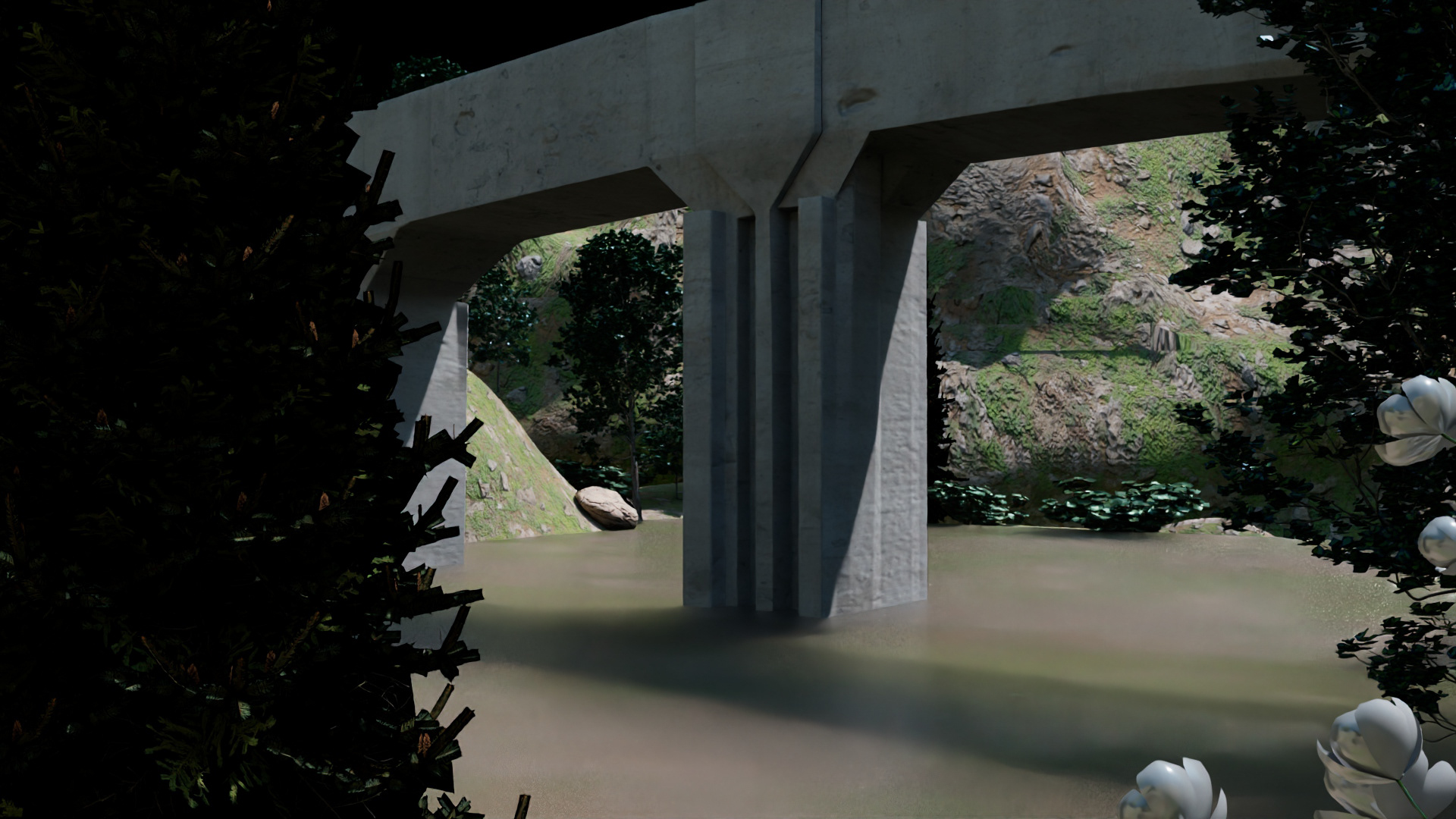
As shown above, the texture looks pretty good and fitting for the scene but there was hardly any lighting and a ton of distortion. In the next week of work, I was able to import quality HDRI lighting, fix texture distortion and give the bridge a broken concrete texture as well as adding in more objects to fill the scene.
Texture update 1
New lighting 1
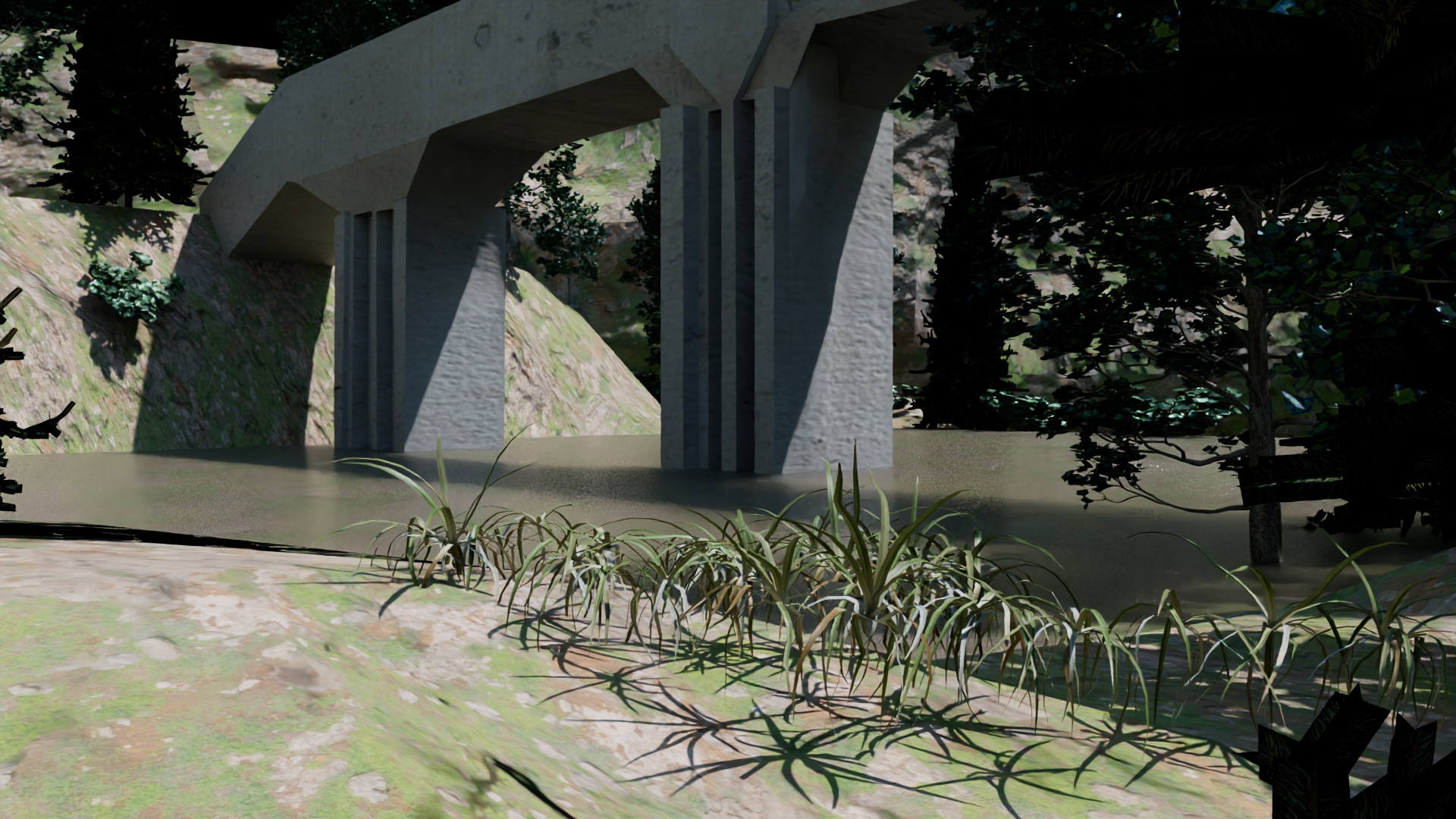
Good shot 1
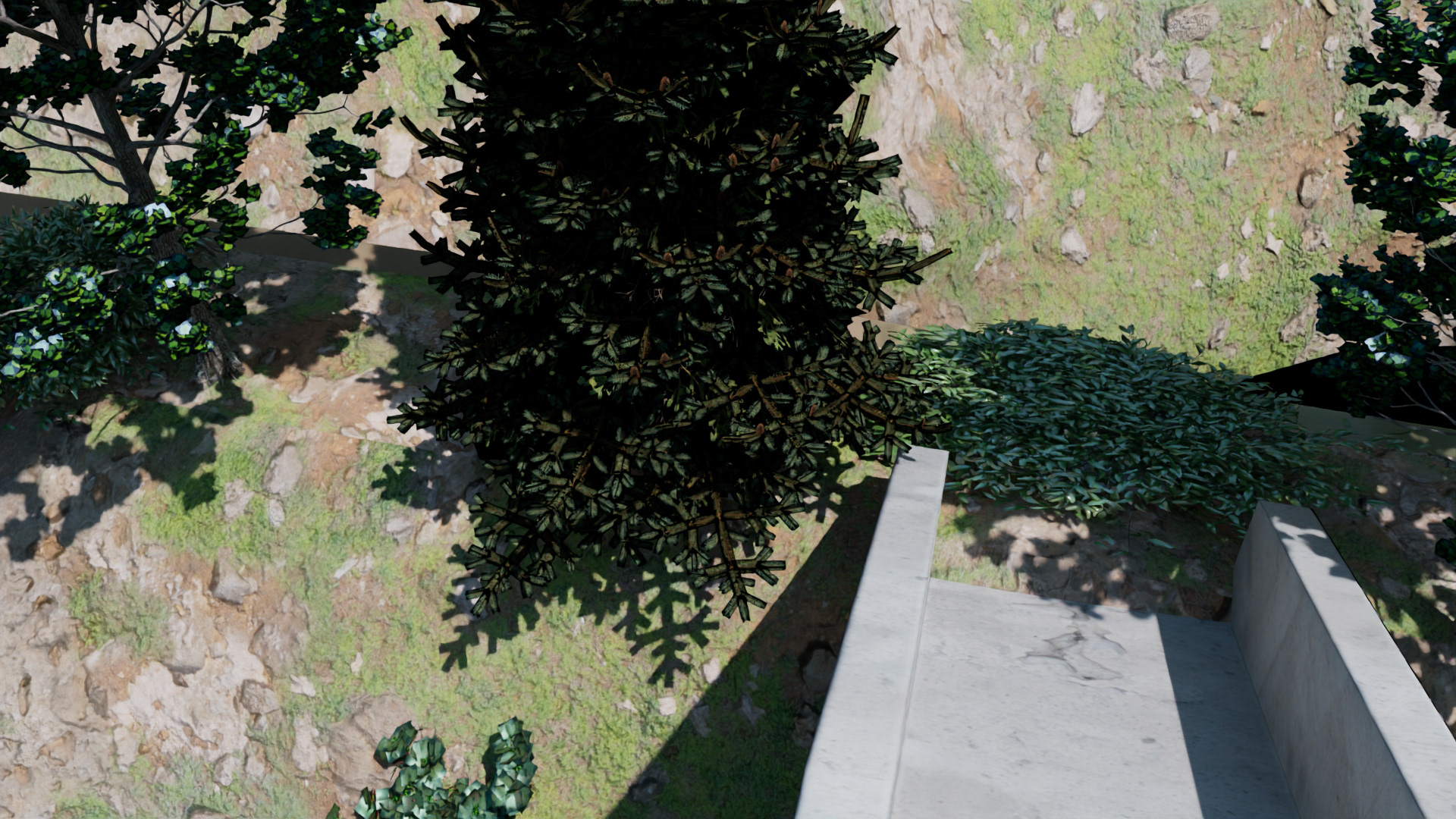
New bush 1
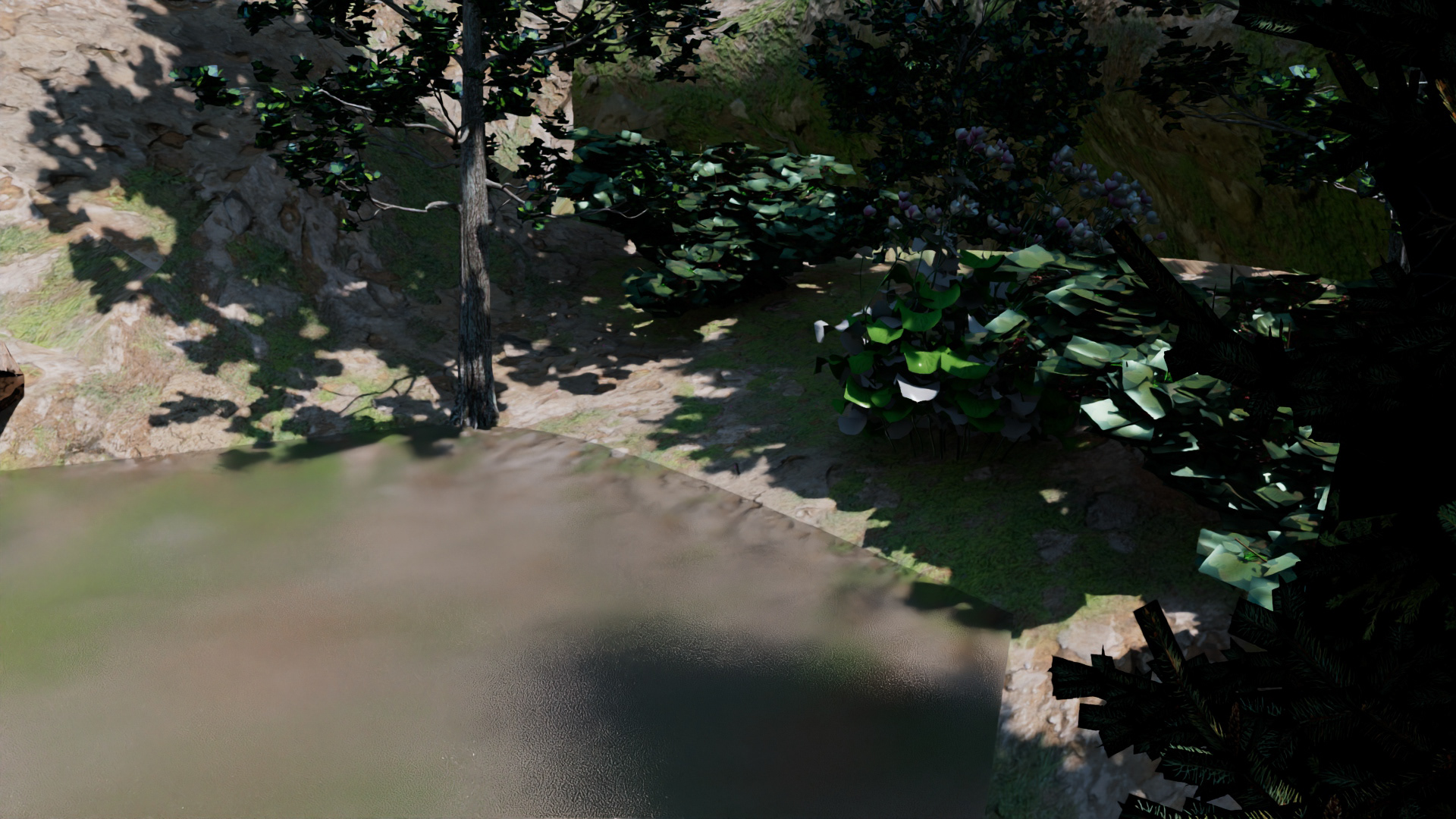
New flowers 1
Thankfully, I was able to finish the scene and render out a lot of great shots for the next portion of the project, I then turned to Canva and Illustrator to create the graphics for the fictitious logo, a post card graphic, and any other graphic assets to be used for the advertisement.
Official Render Shots
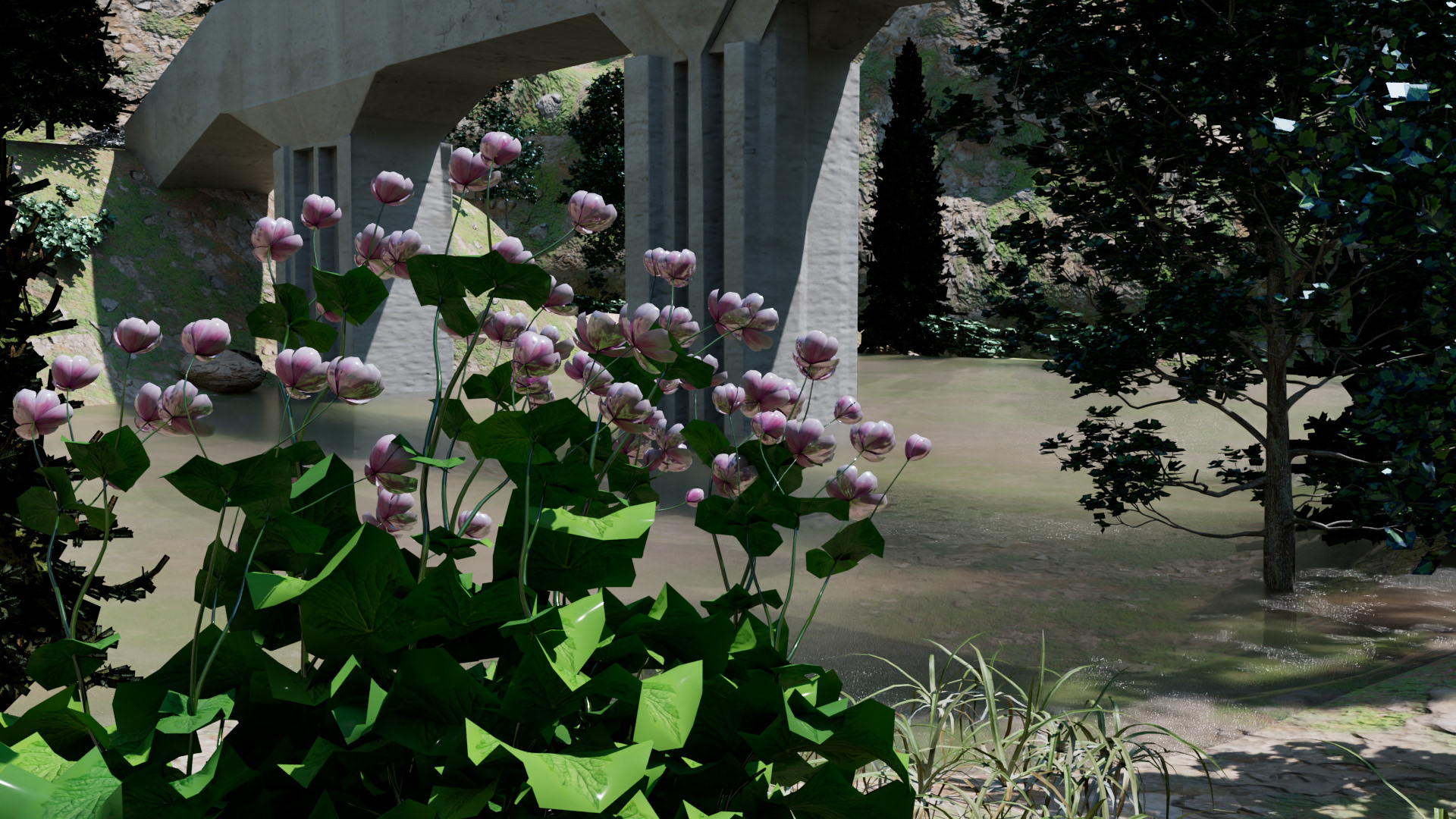
Good shot 2
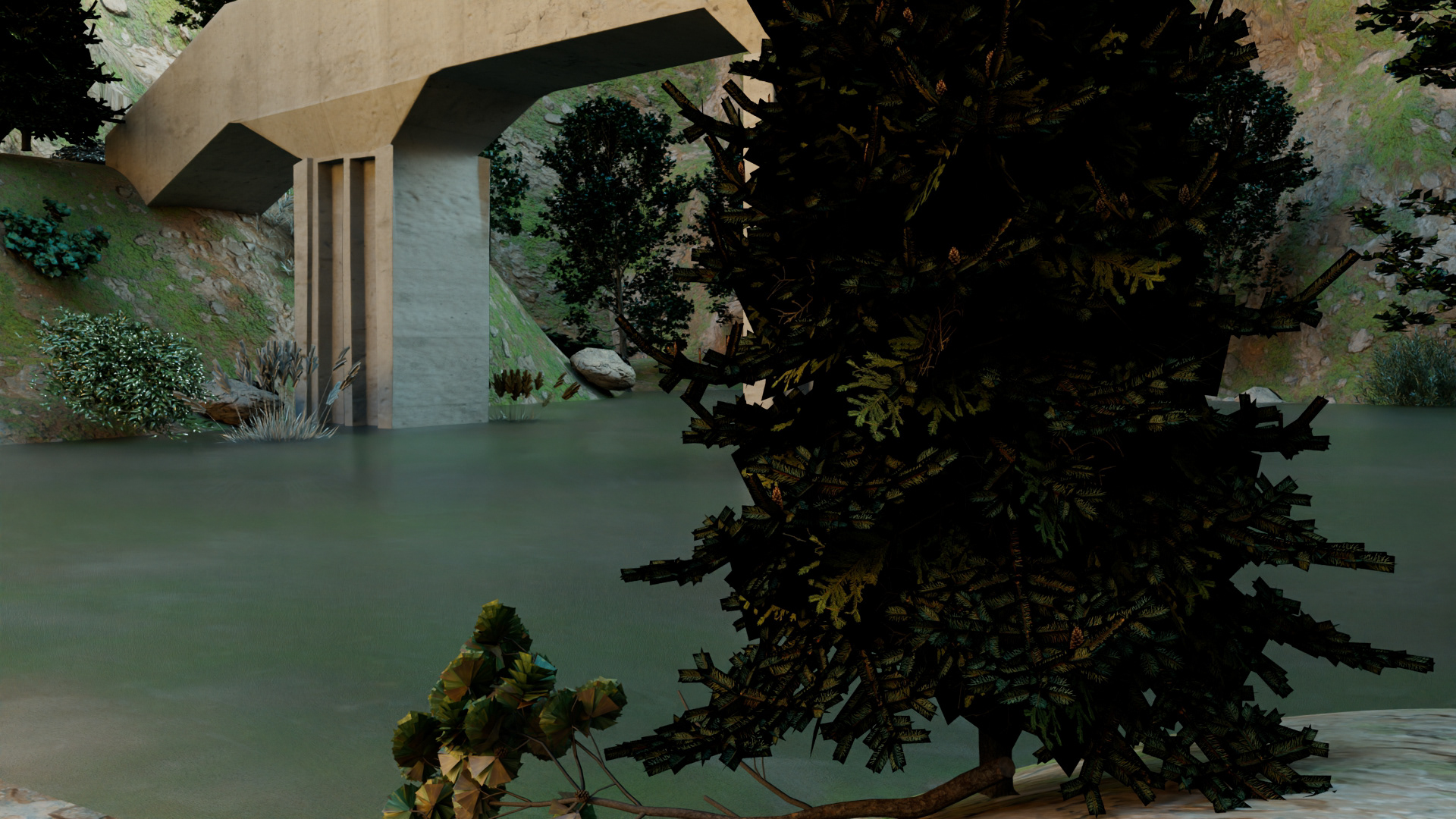
Sunset render 1
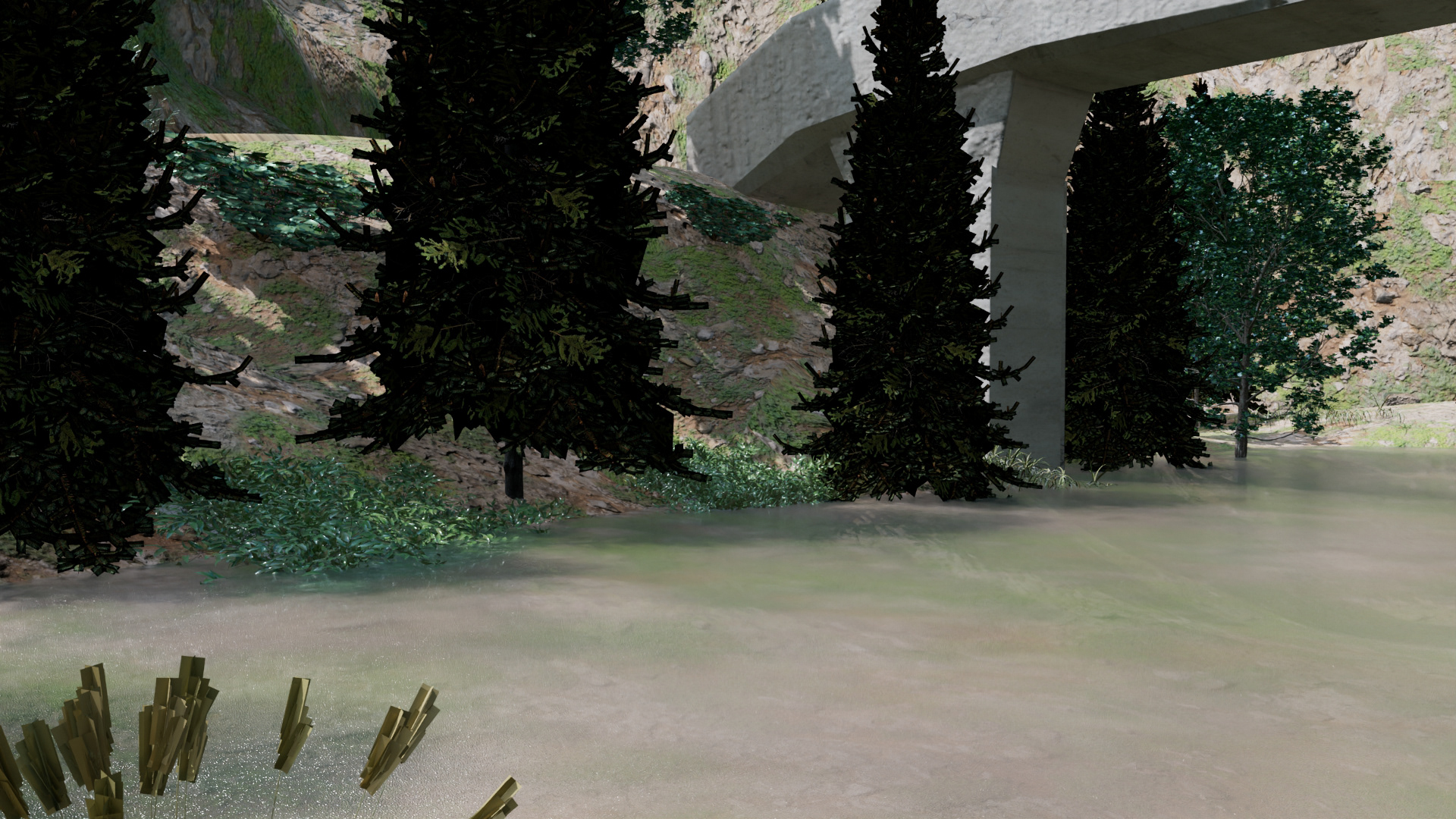
Daylight render
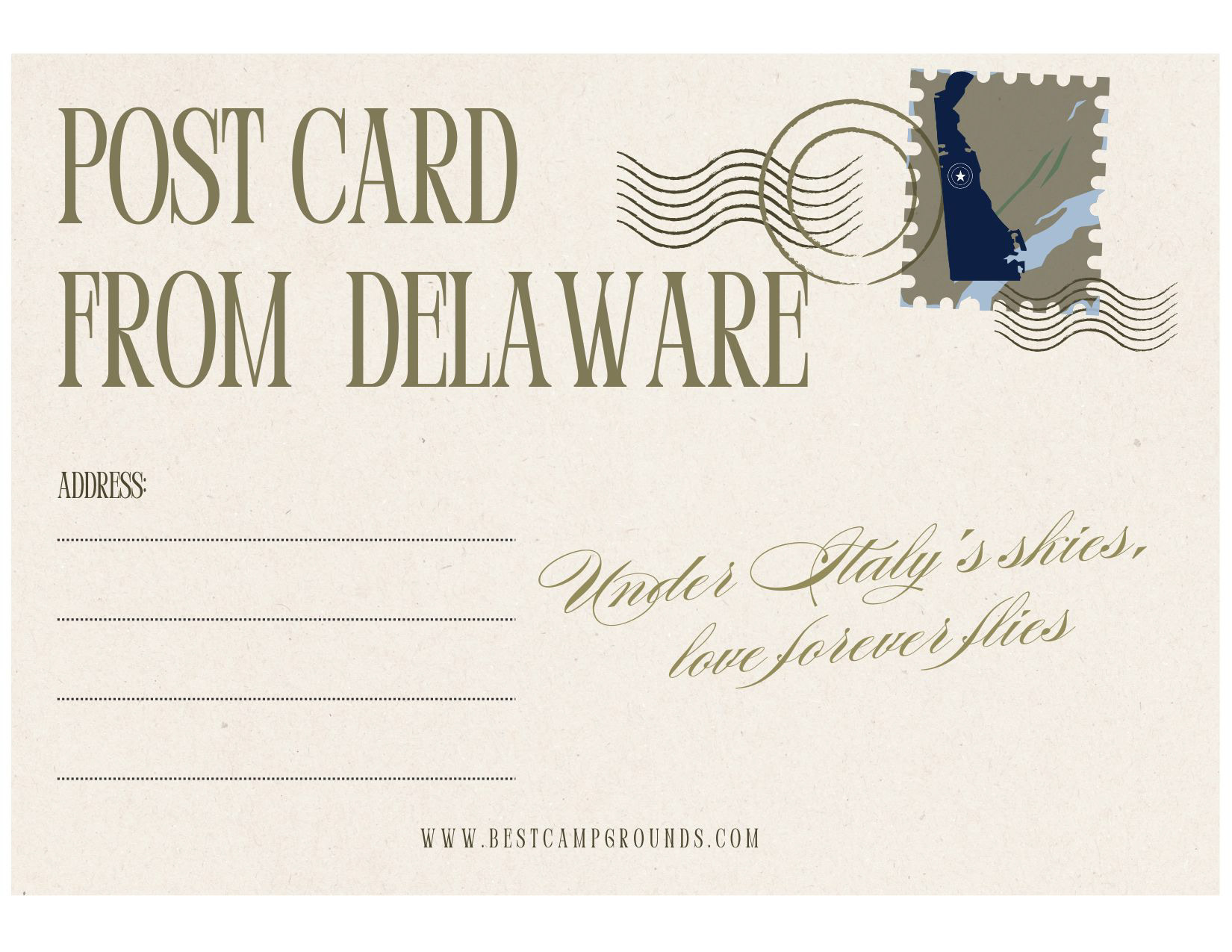
Post card back
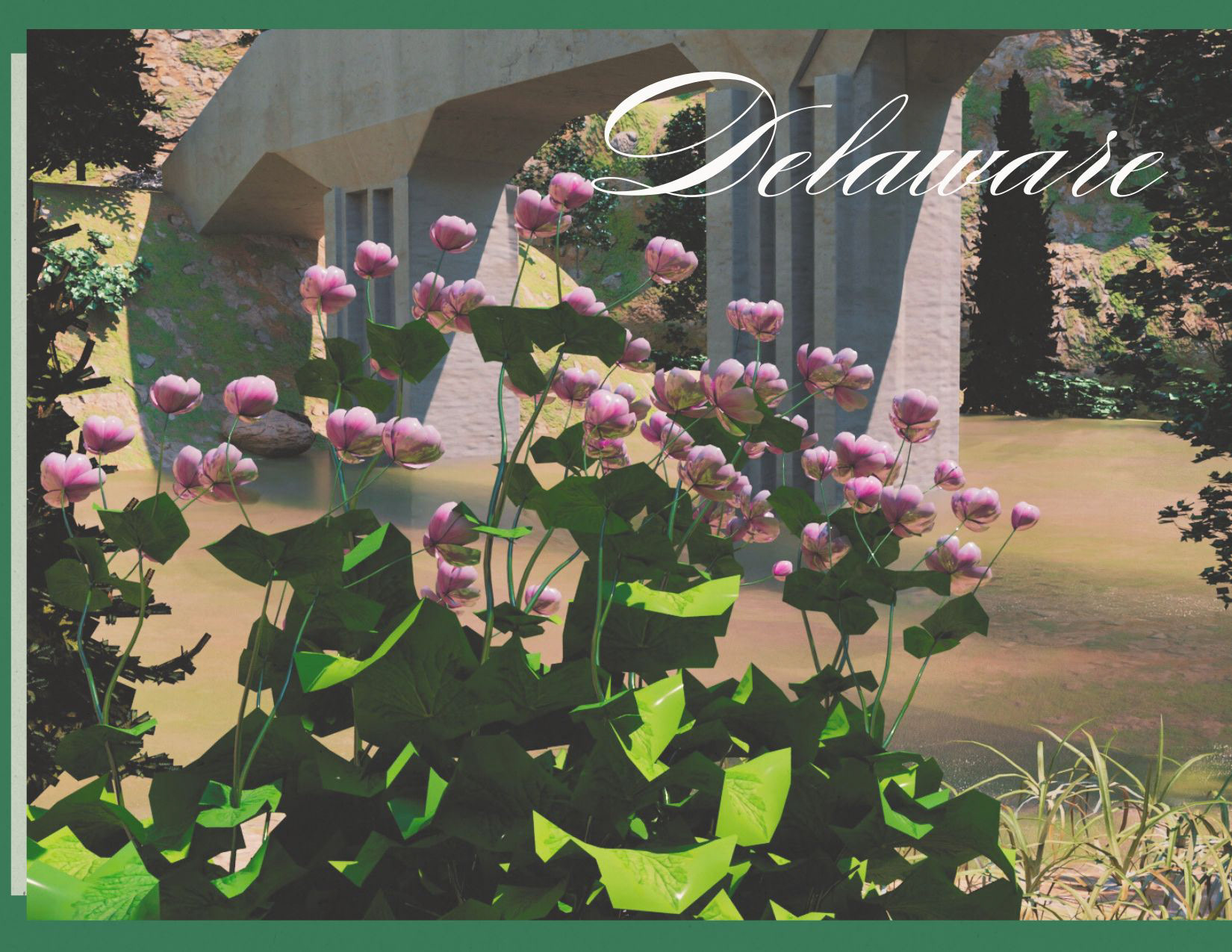
Post card front
Next it was onto the renders and post-production effects. I went ahead and began creating soft transitions between the overlapping renders, and began doing the basics for this first render test. I then decided to needed full branding and an animated logo which was created for the second render.
Test Render
Test render 1
This iteration was a major success, but I still felt there were some tweaks and pacing issues I wanted to go back in and tackle. Plus, I felt the camera angle had an odd issue happening in the first render cam that I wanted to change. I also needed to add in the sound design to create a more cohesive piece.
Final Product
"Delaware Riverbank Advertisement" 1920x 1080, After Effects 2025
After all the catastrophes, malfunctions, and challenges, this project came out to be one of my best yet demonstrating a high level of 3D skill sets and my first successful terrain and world building success.