Robot's Day Out
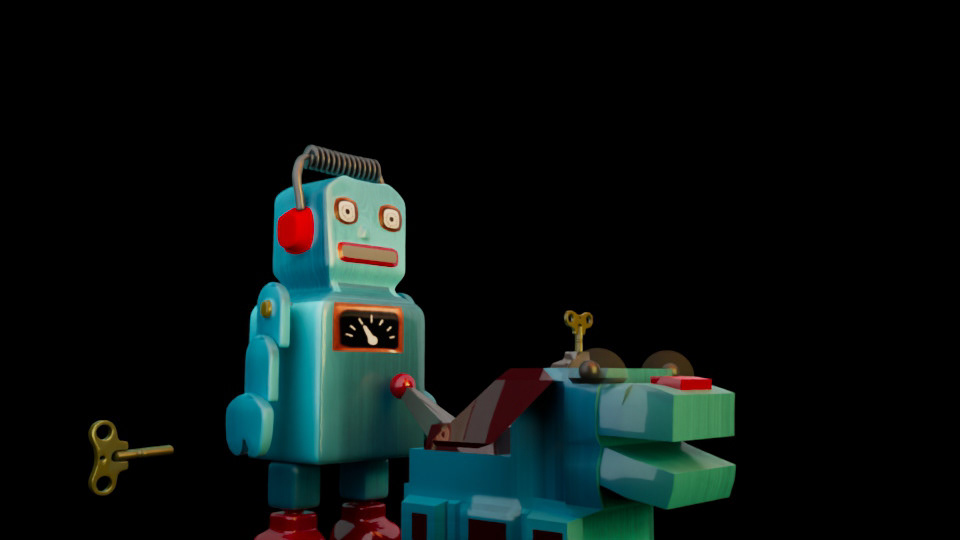
For this fun and historic project, the overall project goal was to build a title sequence for a Robot's Day Out featuring hand built 3D models and animation based on 1960's tin toys.
Pre-visualization
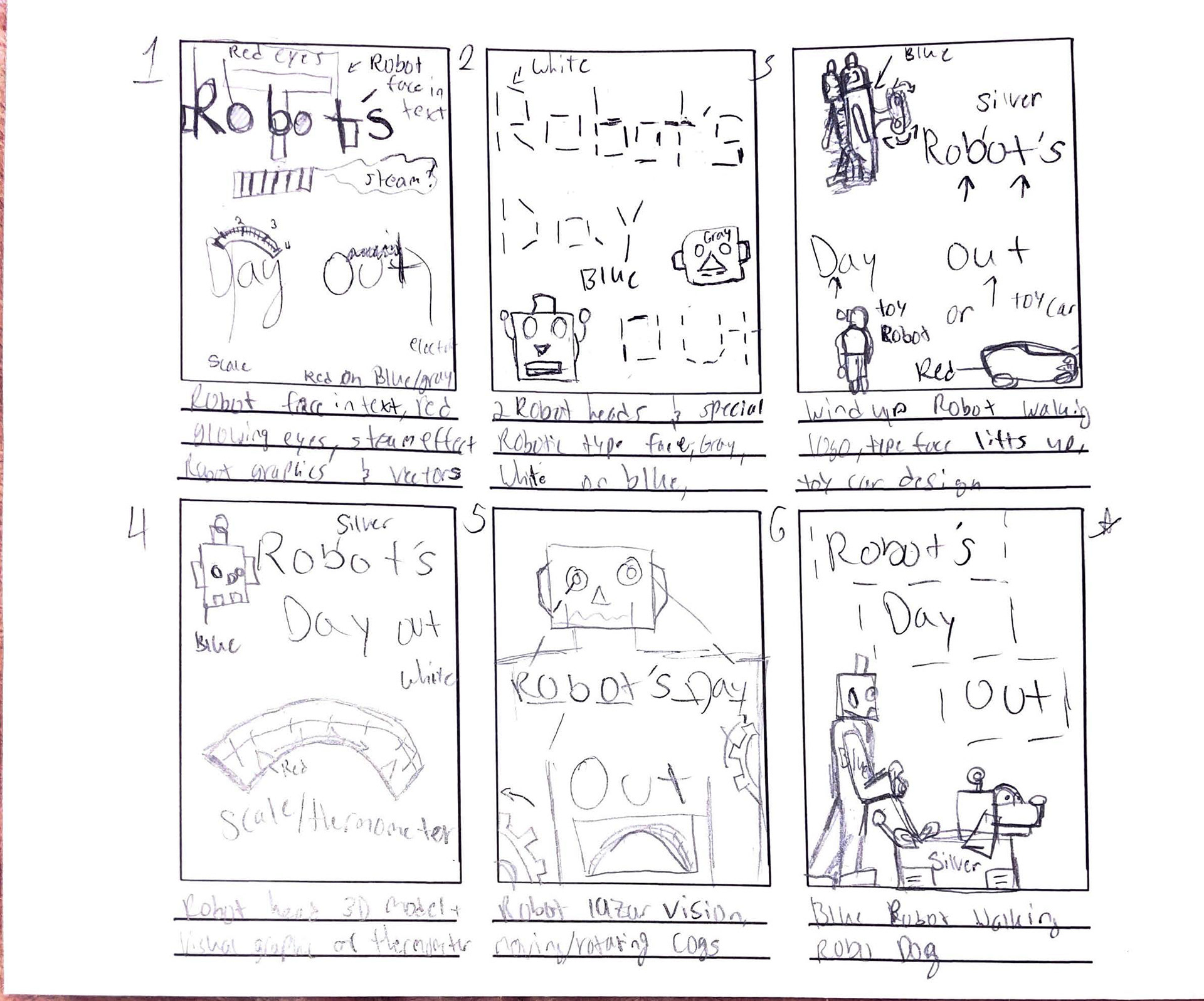
Story board 1
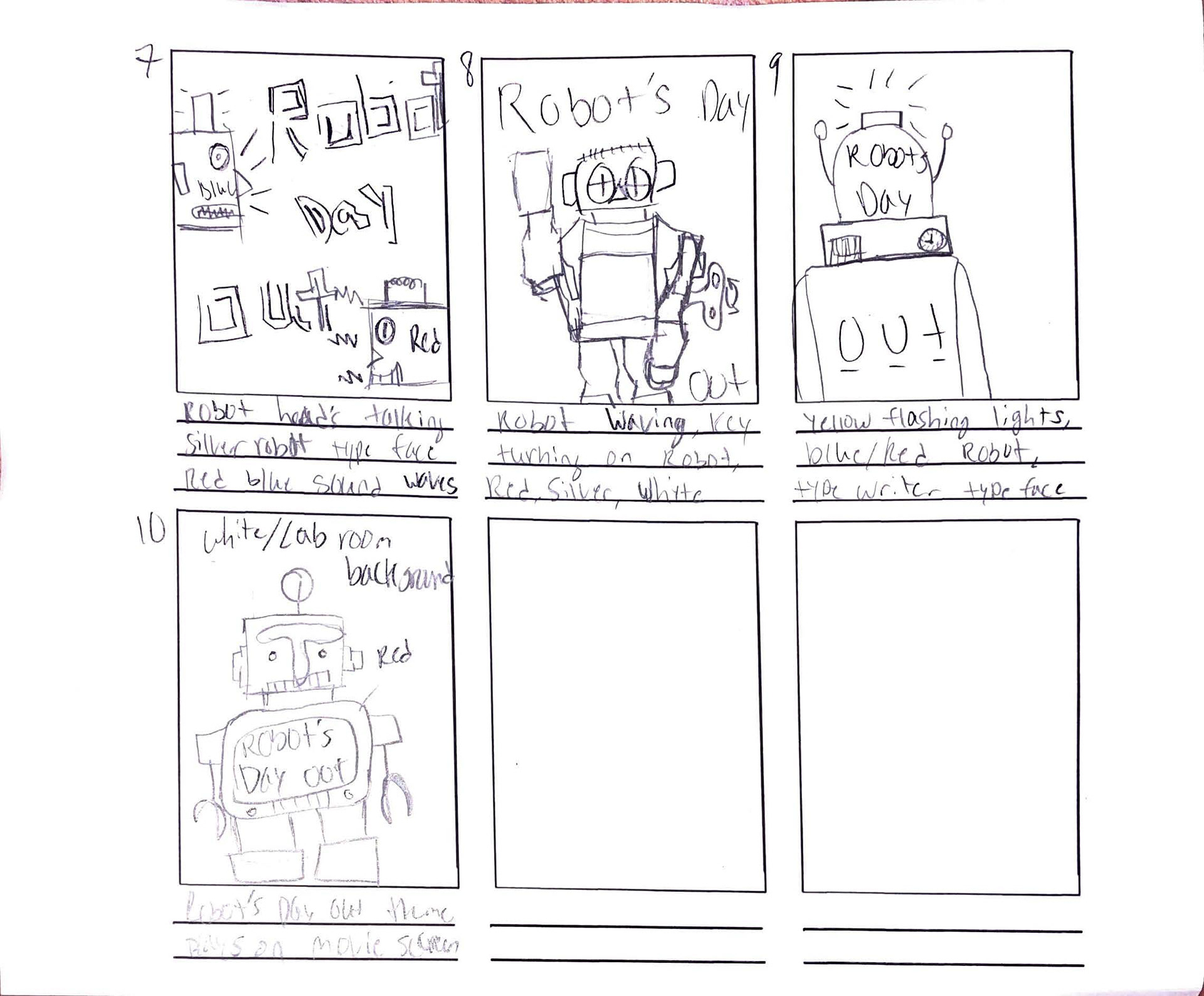
Story board 2
The first thing to do was to start generating ideas for the primary title sequence, so I drew out a couple thumbnails and began researching Japanese tin toy robots to create the perfect 1960's robot. After researching, I came to love the idea of a Robot and a robot dog going through out their day as if they were humans and immediately got to work drawing character concepts and building the models.
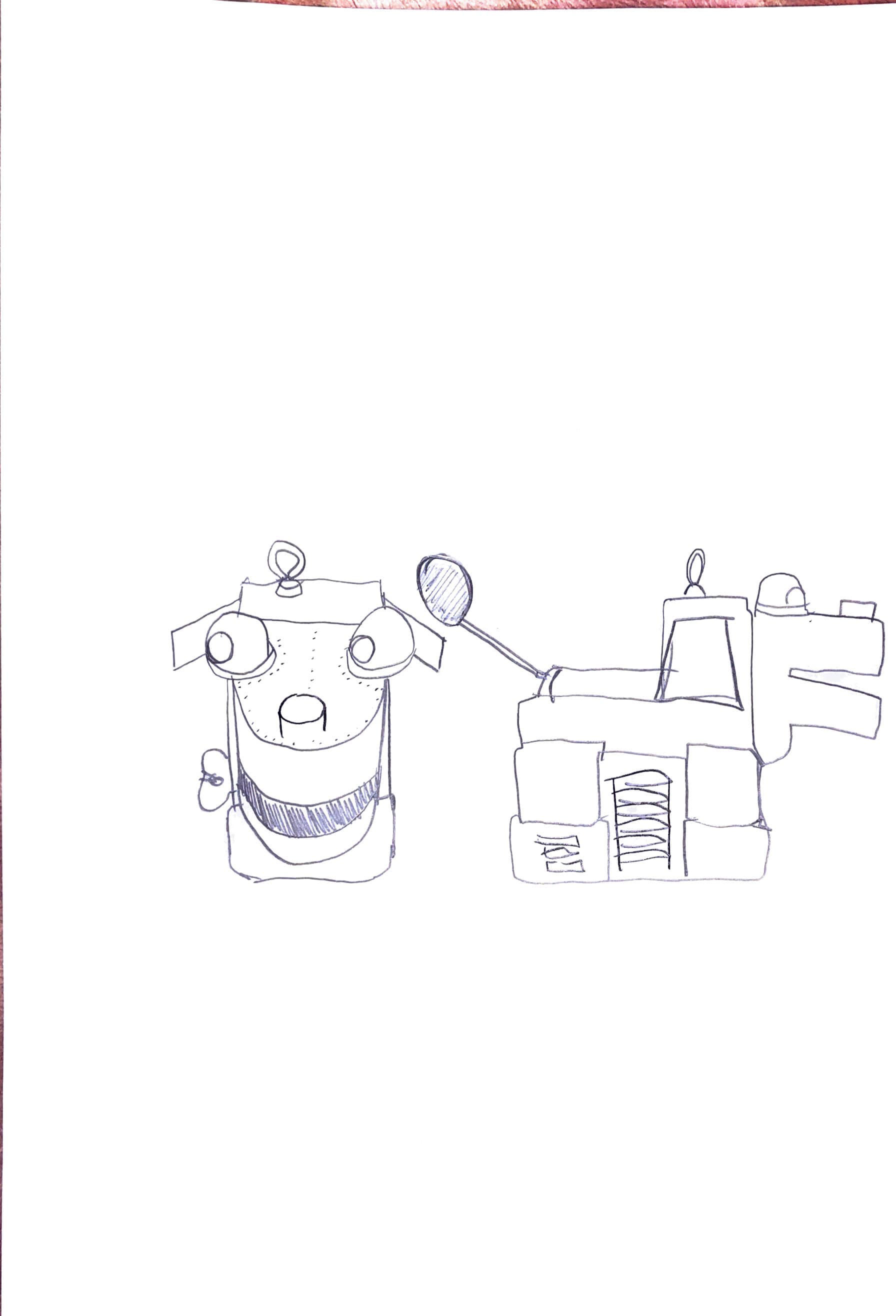
Robo Dog
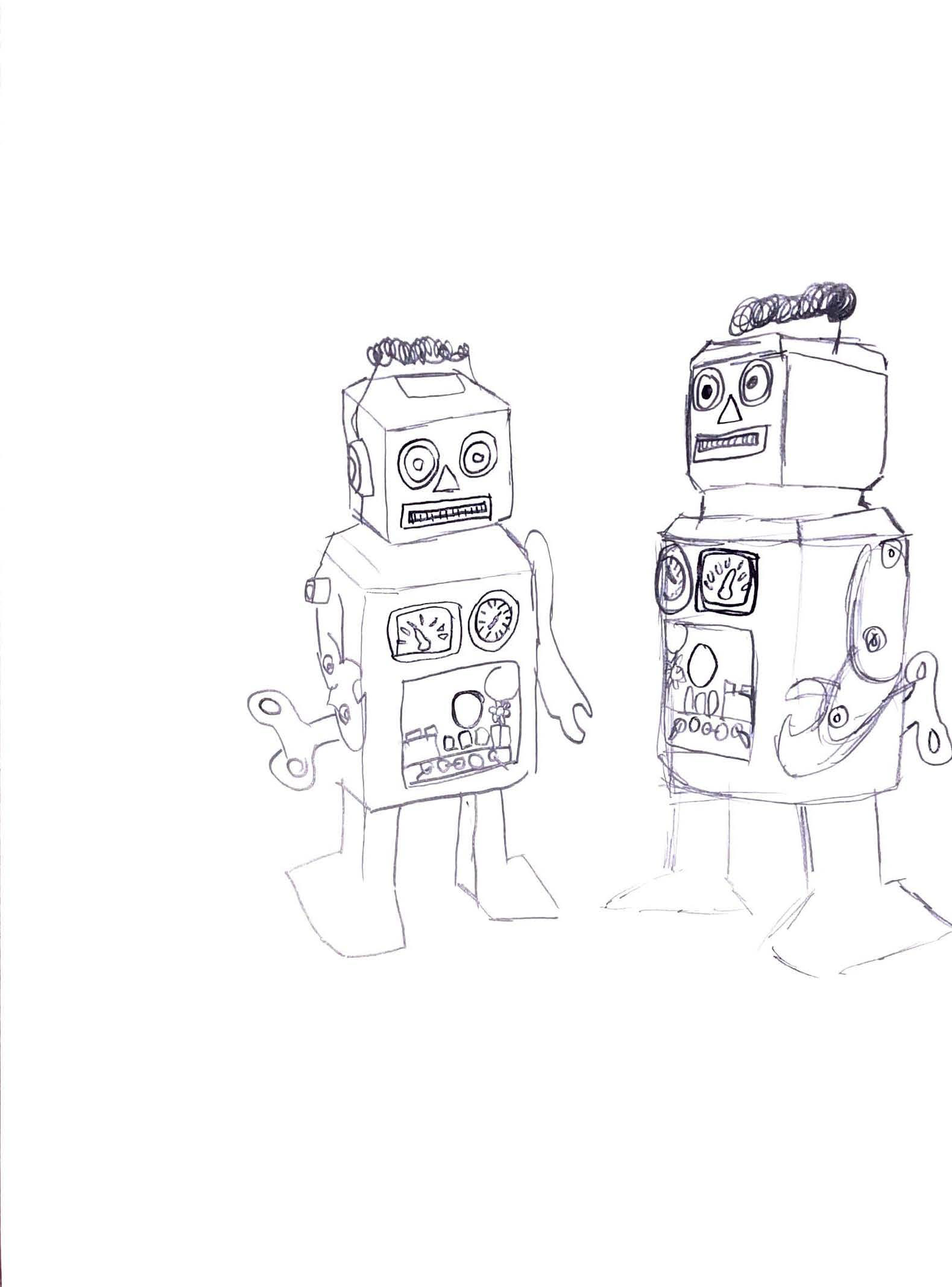
Robot
I then took these designs into Maya to start physically building out the robots built by these concepts and other references of real toy robots for scale.
Production
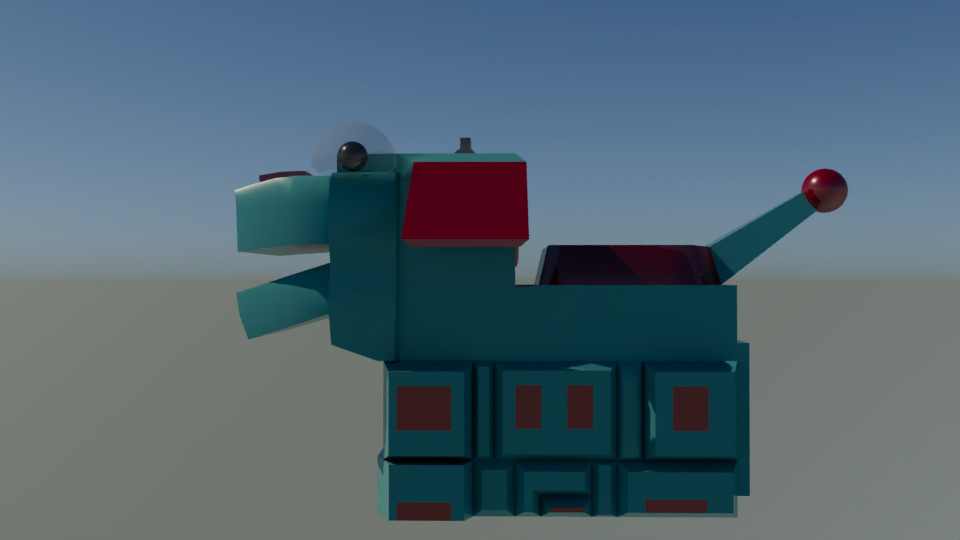
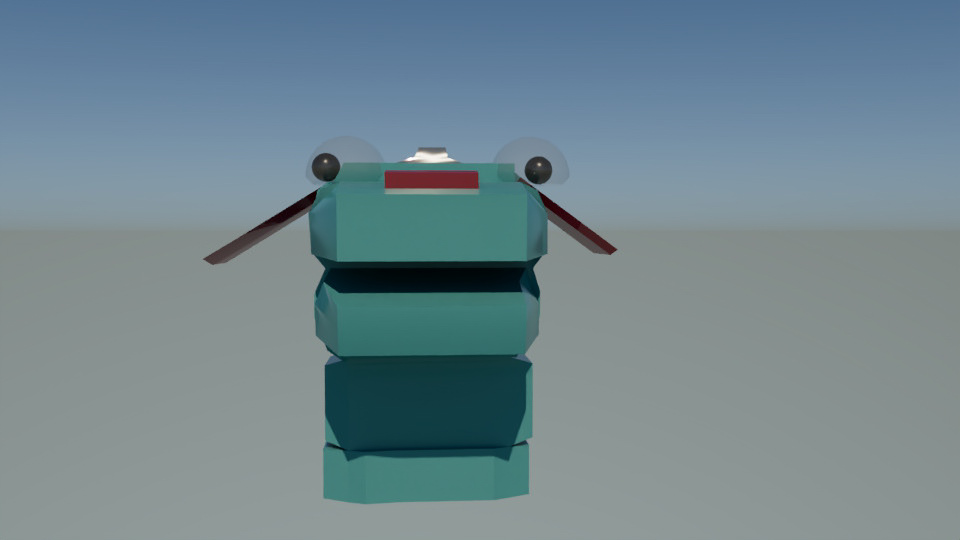
Atlas side
Atlas front
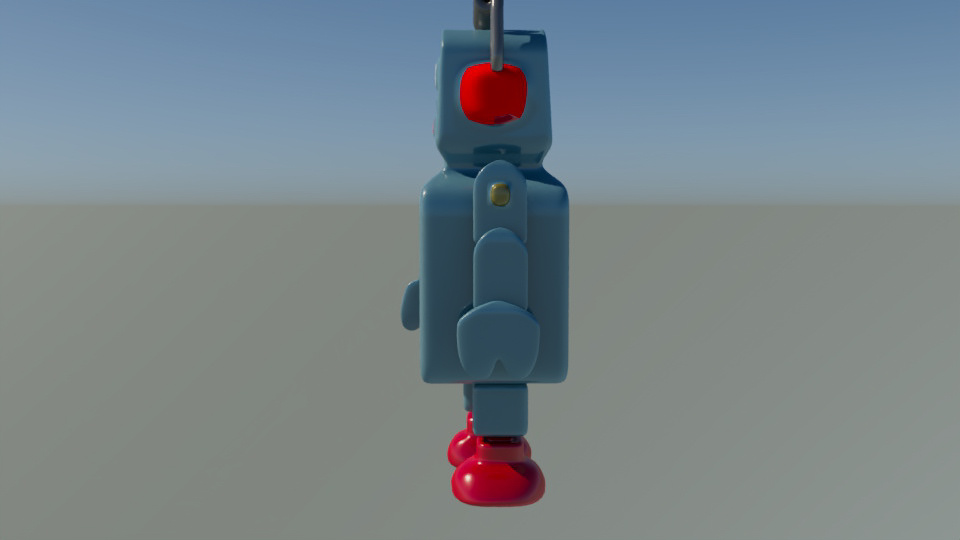
Tinmothy side
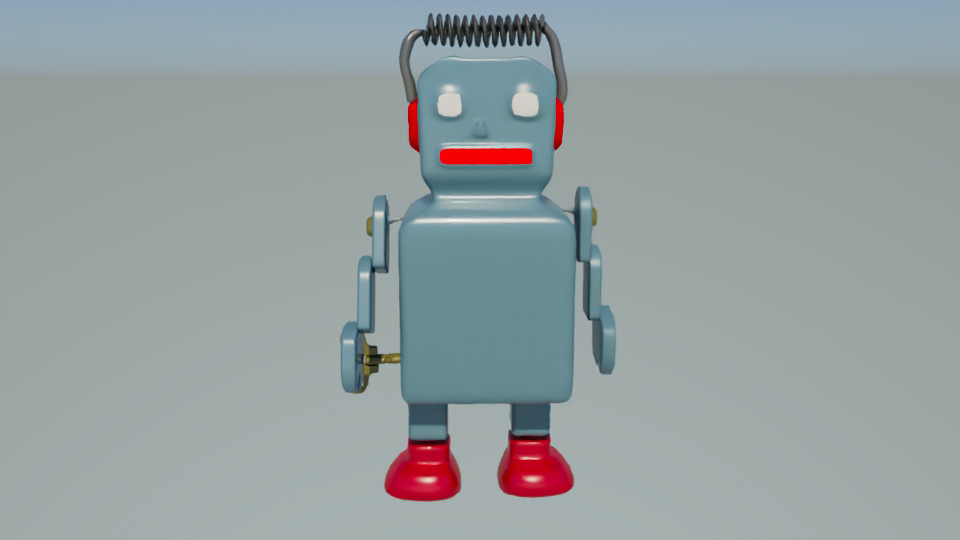
Tinmothy front
And thus, Tinmothy and Atlas were born! At this stage, I finished the initial models, gave each their own unique and preliminary animations, and gave some basic metallic texturing to get the ball rolling.
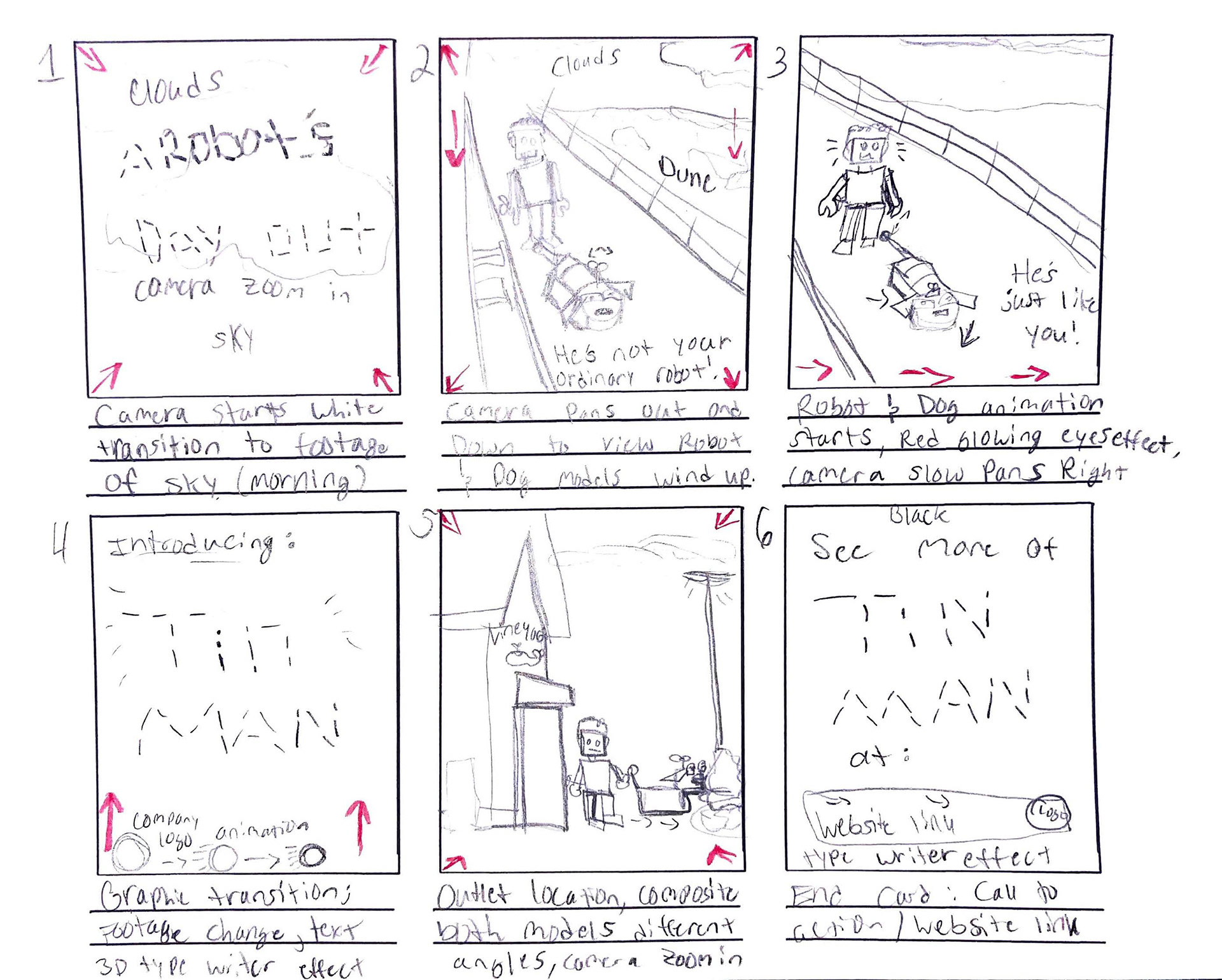
Storyboard Cam
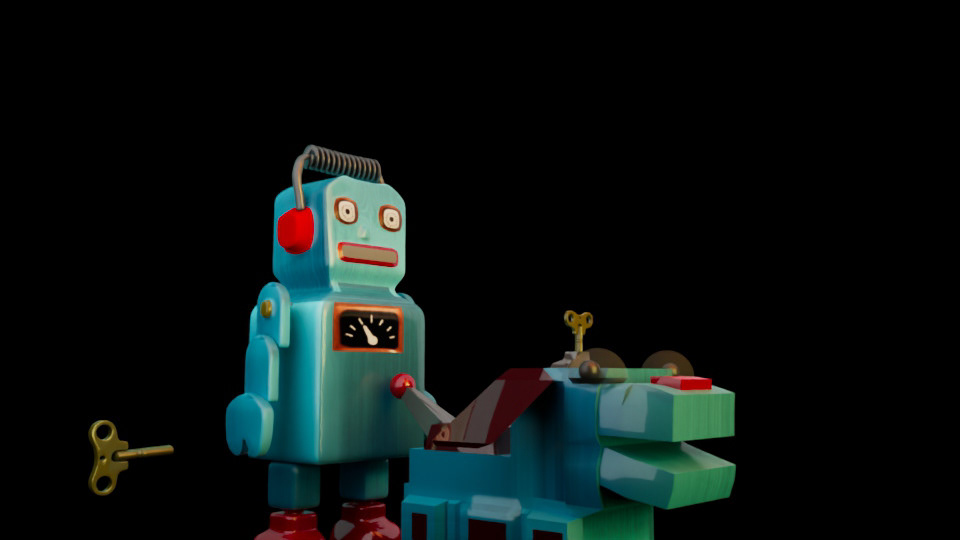
Wind up test
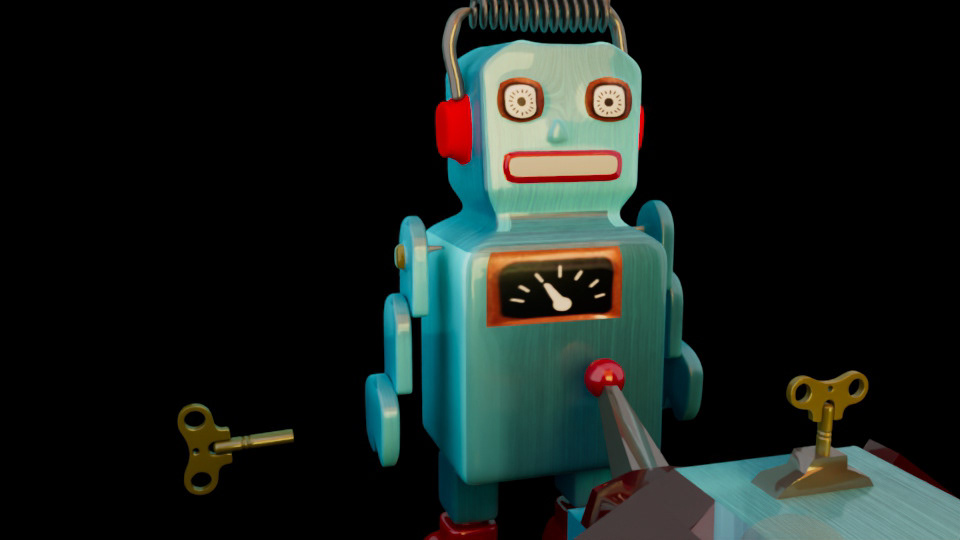
Wind up test 2
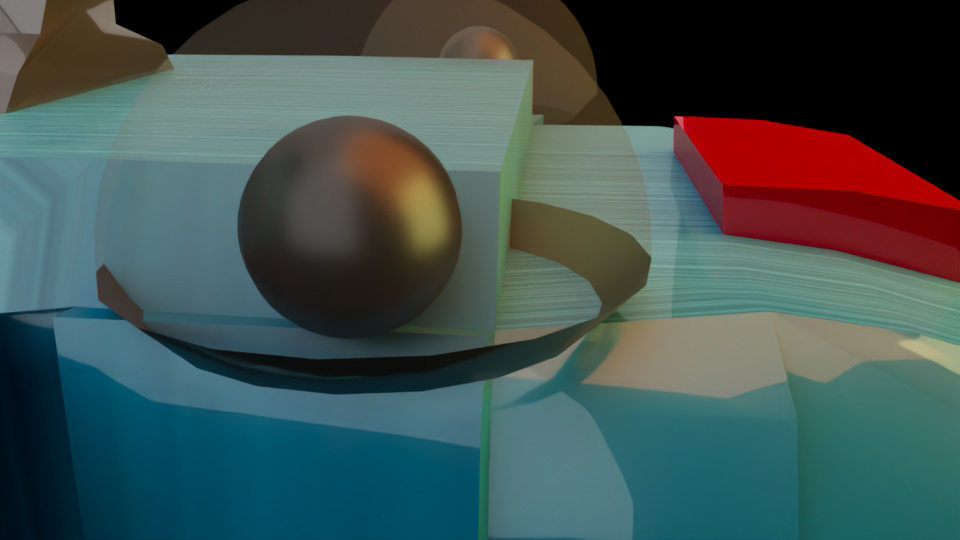
Updated eye
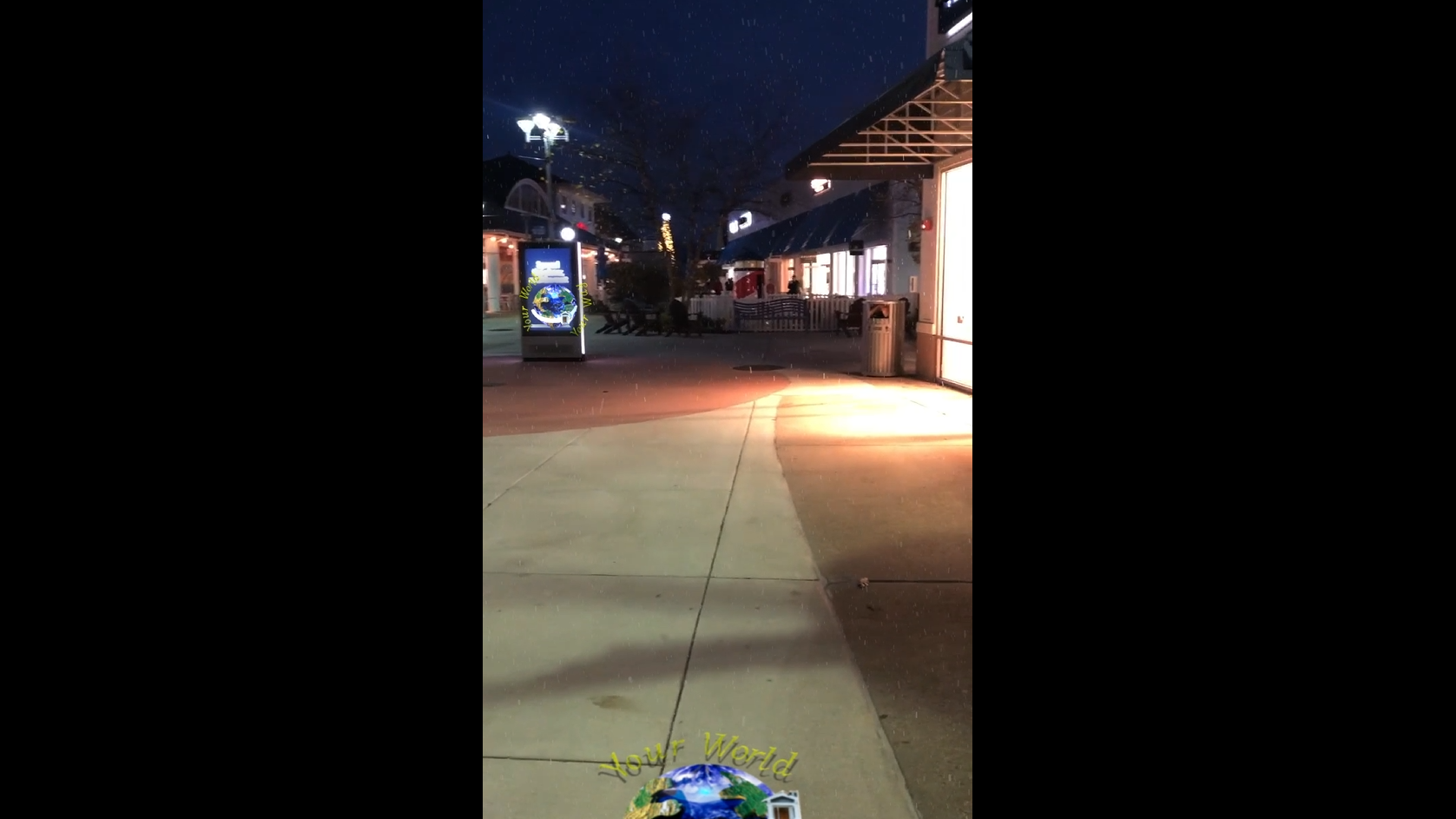
After some peer review, I finished updating the robot model's textures to include brushed steel, eyes, and a thermostat icon to bring the robot to life more. I updated the robo dog model's eyes to include transparency and glossy effects for a realistic look. Then, it was on to match making lights, atmosphere, and compositing with hand-shot footage and planning out the story board of the title sequence.
Renders and Drafts
Test render 1
The first test run was very successful as a solid vision was extremely present at this stage, with the animation, graphic creation, and compositing integration was nearly finished. I began experimenting with basic transitions, text animators, and other effects to try to take the project to the next level.
Test render 2
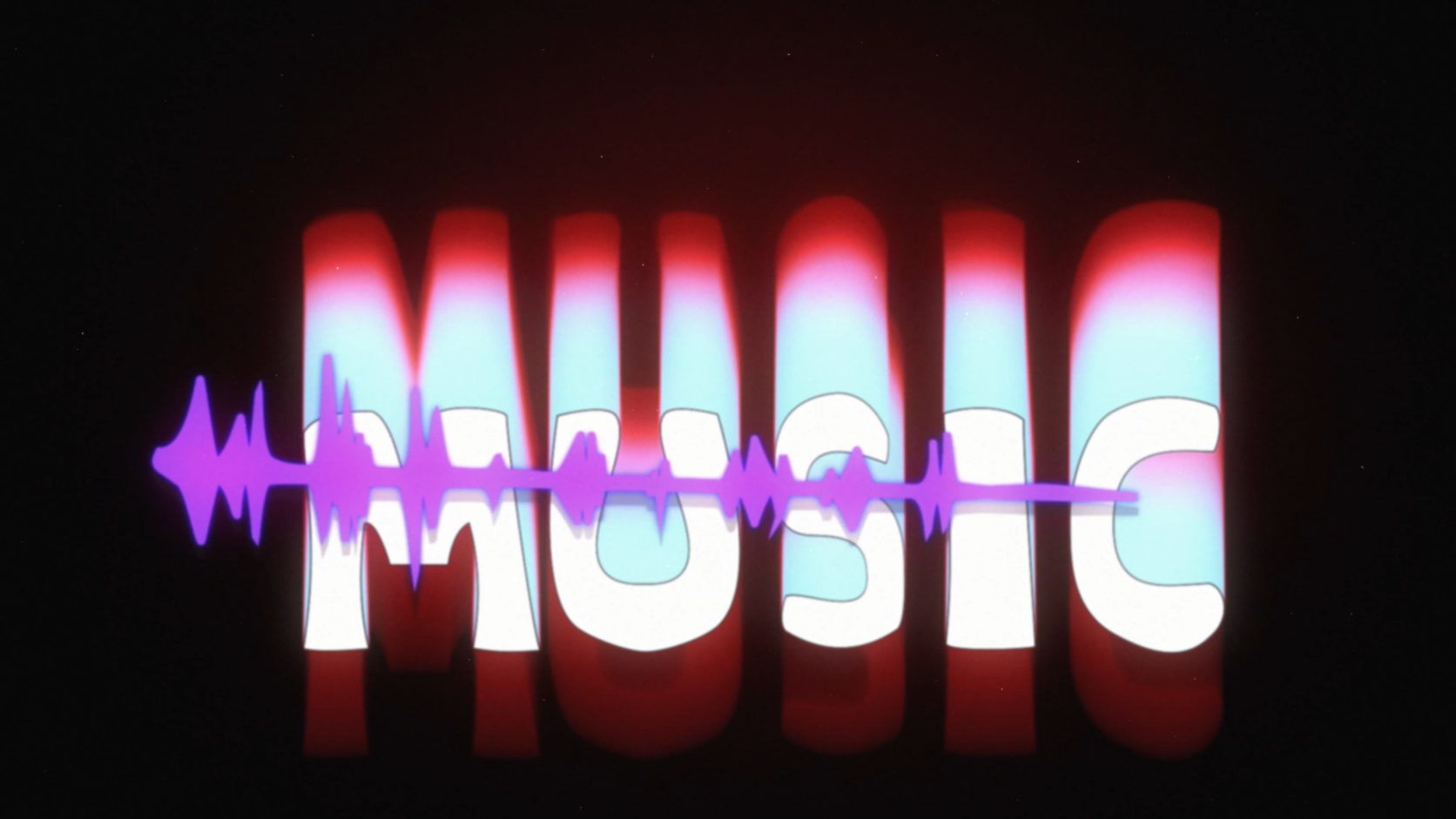
To give the project a professional look and evident theme, I applied several robot/ Scy-fi effects including outer glows, text animators, star effects, and lots of 3D and 2D graphics. I also was able to add in a full music score including a self created music track as well as free sourced sound effects to make the video more believable and realistic. However, I still had some work to do to complete this project.
Final Result
"Robot's Day Out" 720x 1080, After Effects 2025
For this final iteration, the main thing I changed was the text and layer of the ending as it felt childish and did not match the 3D theme of the entire video. I re-worked this to include a different typeface, 3D lettering with new lights, camera, and motion tracking. I also made tweaks to the drop shadow of the robots, stabilized the footage further, and color corrected each scene. After all these fixes, this video was something to be proud of from the 3D aspects to its new motion graphics.